Archiving datasets
You can archive dormant datasets tied to inactive Data Lakes so these drop out of search results.
You can archive obsolete datasets to free up the Datasets landing page when the associated Data Lake is no longer active.
-
Click Open Dataset Archive.
Figure 1. Open Dataset Archive 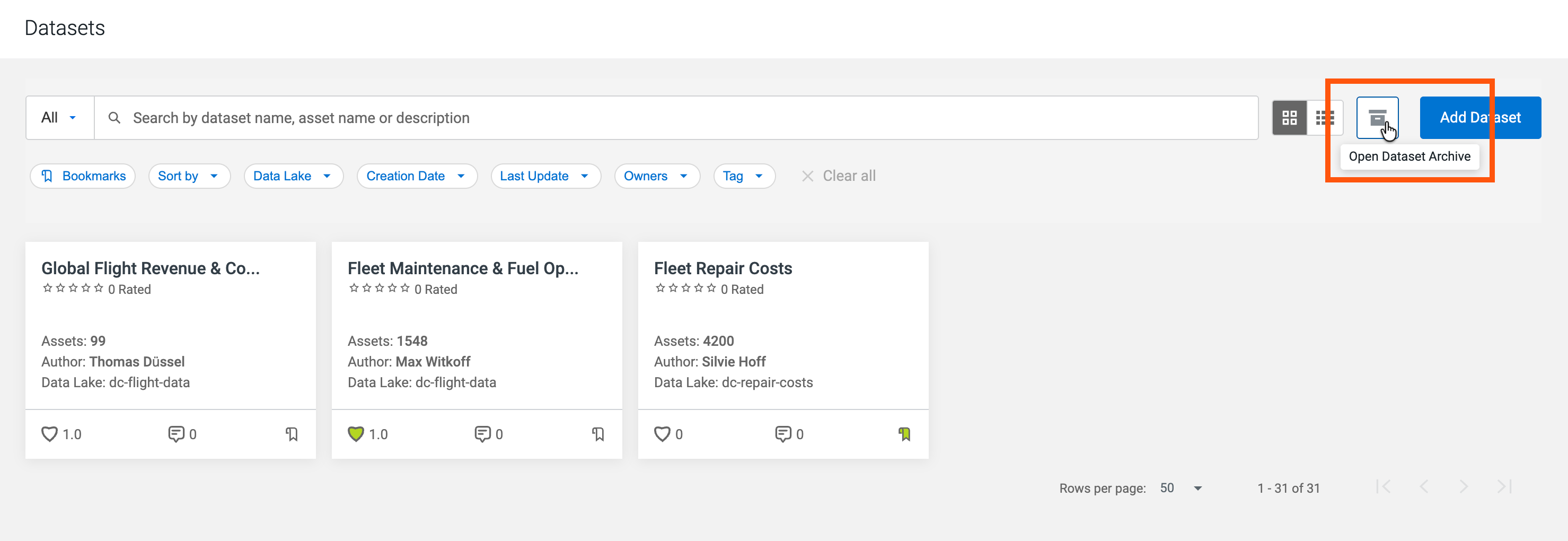 Cloudera Data Catalog displays all datasets on inactive Data Lakes. The metadata included in these datasets is located in Data Lakes that are no longer available.
 -
Click Archive.
Figure 2. Archive action for datasets 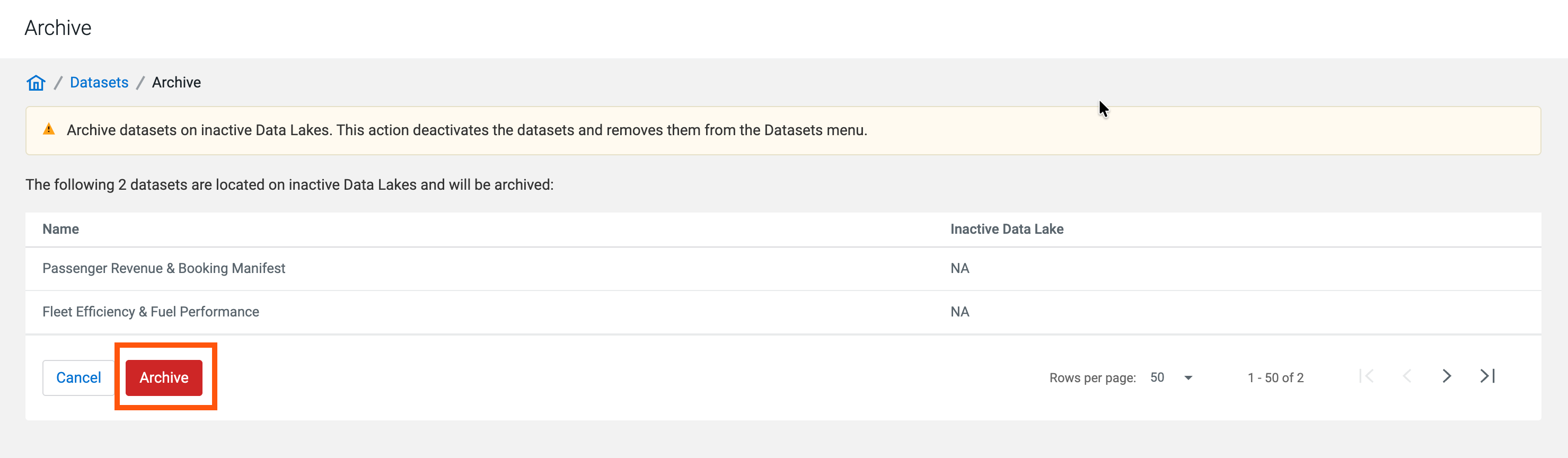
The archived datasets will no longer be displayed in Datasets.
