Creating datasets
You group data assets into datasets and supply metadata, including keywords, collaborators, and publication state, so others can discover and reuse governed collections aligned to business classifications, protection rules, or purpose.
-
From the Datasets page, click Add
Datasets.
The Add page appears.
Figure 1. Add dataset 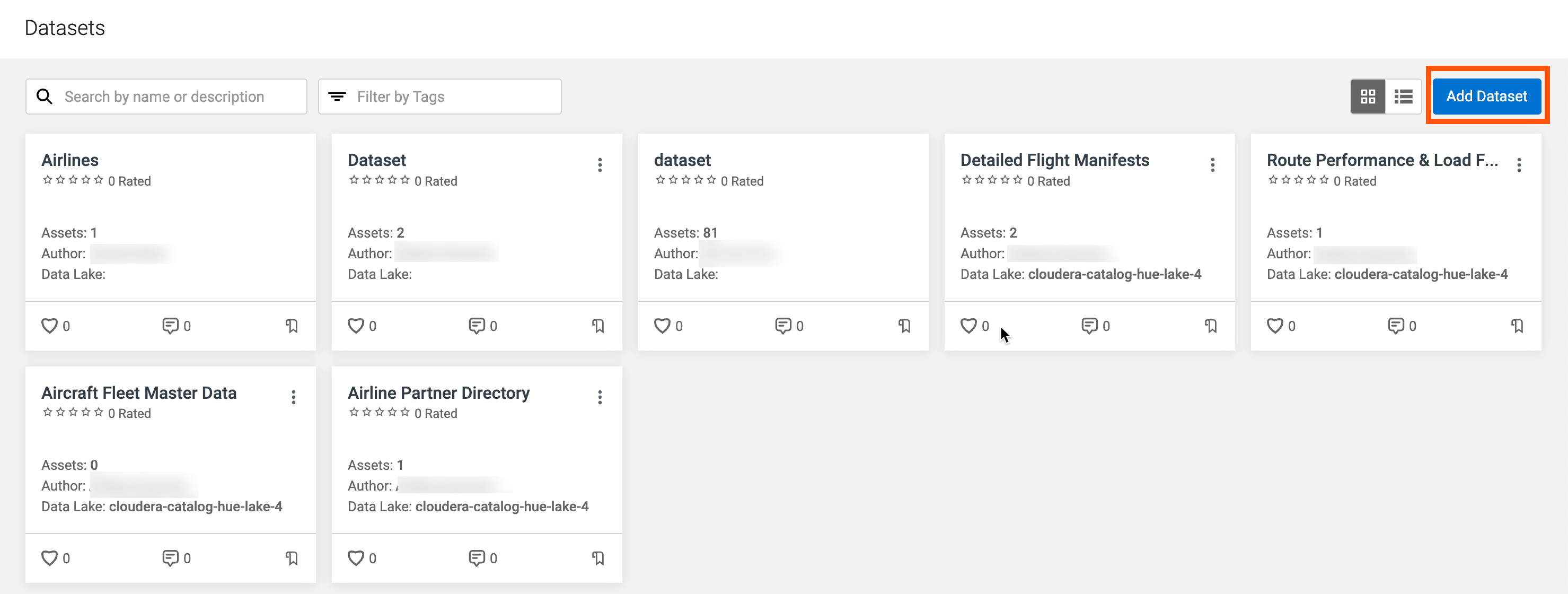
- Enter the following information.
Field Name Description Example Values Name Specifies the dataset name. The value must stay unique across the system. Customer Profiles, Sales Assets, Financials Description Describes the purpose or intent of the dataset. Contains customer profiles: data assets for US and WW. Data Lake Shows the Data Lake to which the dataset is associated. dss_bbsh_clust3 Author Identifies who owns the dataset; the workflow records the authoring account automatically when you create the dataset. Your Data Catalog principal Tags Stores optional tags for filters alongside full-text metadata in Datasets. Optional.1 se, pii, geo, finance Figure 2. Dataset metadata 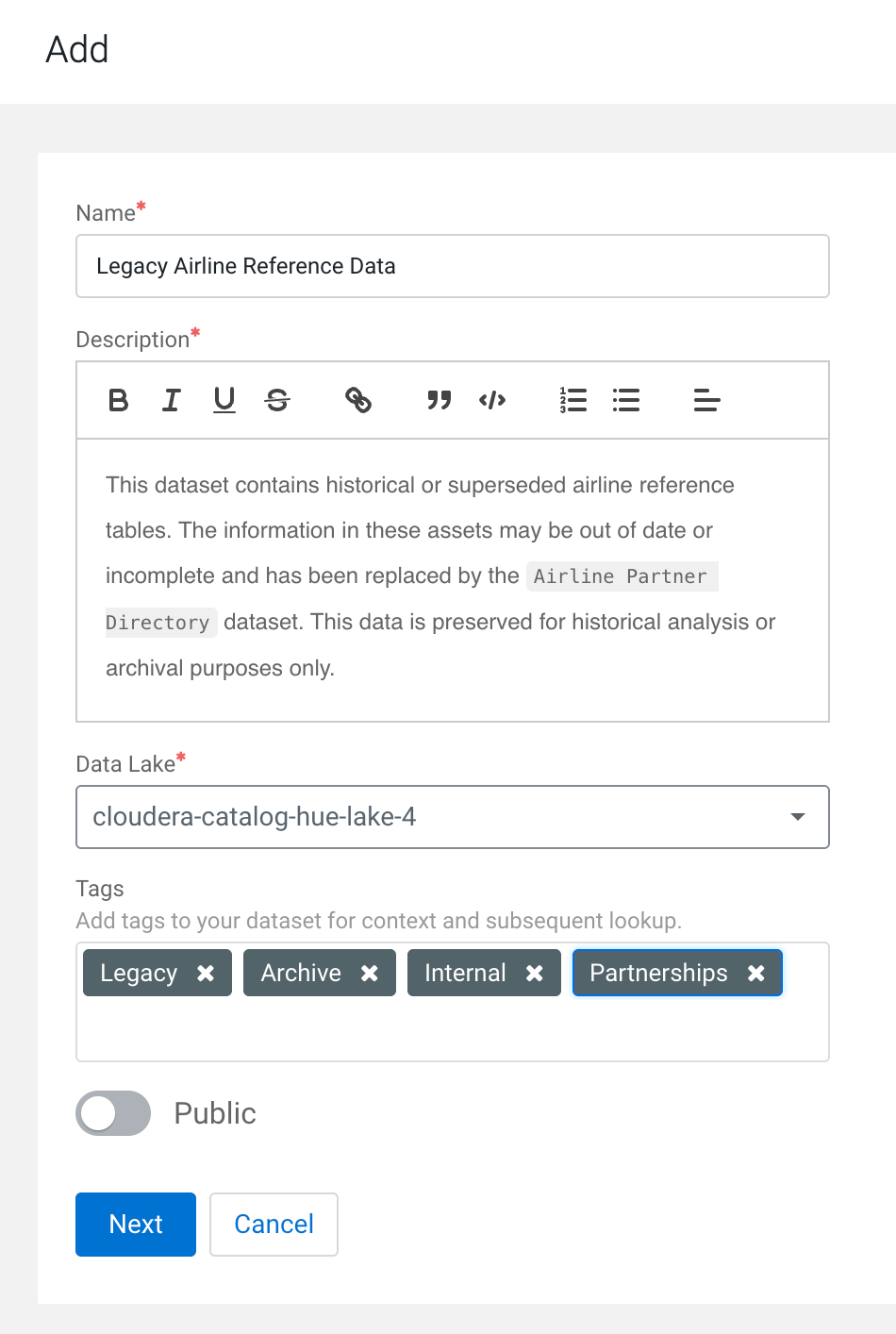
-
Click Add Assets to add related data assets into your
dataset.
Figure 3. Add assets to dataset 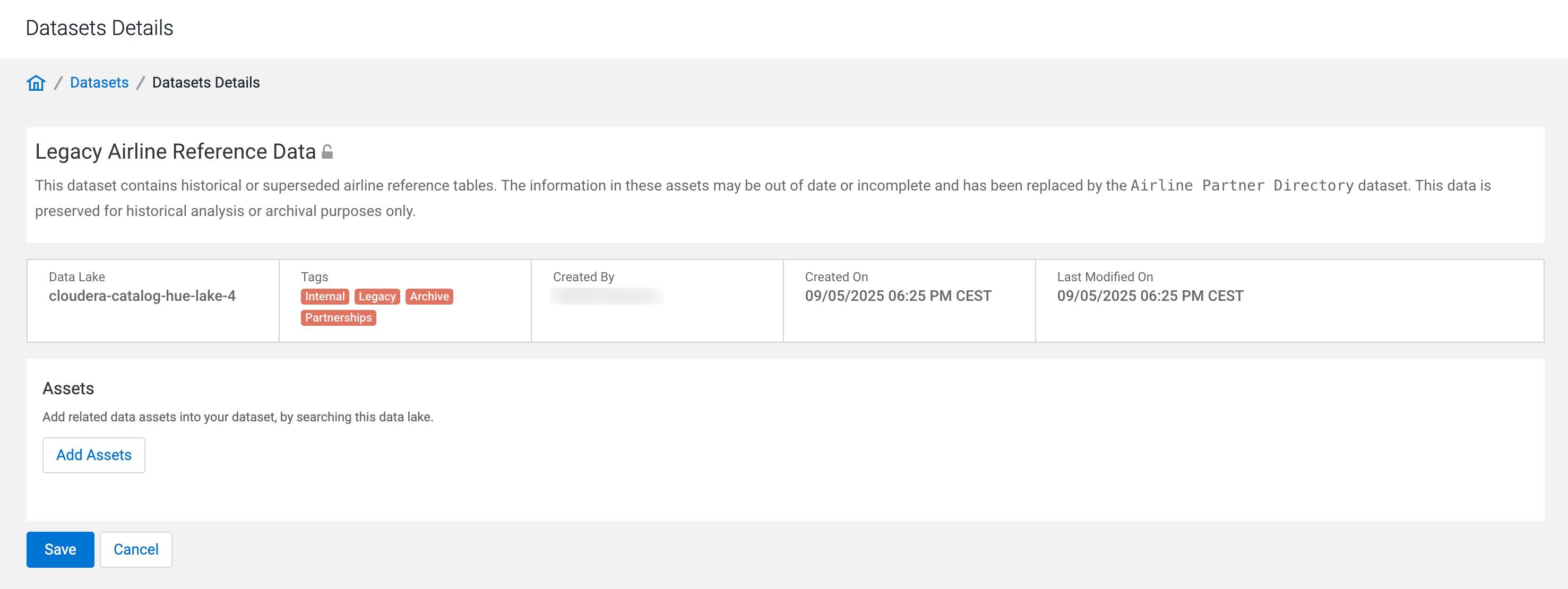 The Search page appears.
 -
Search for assets using the search bar.
-
Use filters to search for specific assets based on the attributes of assets.
Click Filter to display the filters available.
- Created: Select the time to refine the search on the basis of when the asset has been created.
- Owner: Enter the name of the owner to refine the search on the basis of the owners of the assets.
- Database name: Enter the name of the database.
- Tags: Enter the names of the tags after selecting its type (Table/Column).
Figure 4. Search for assets 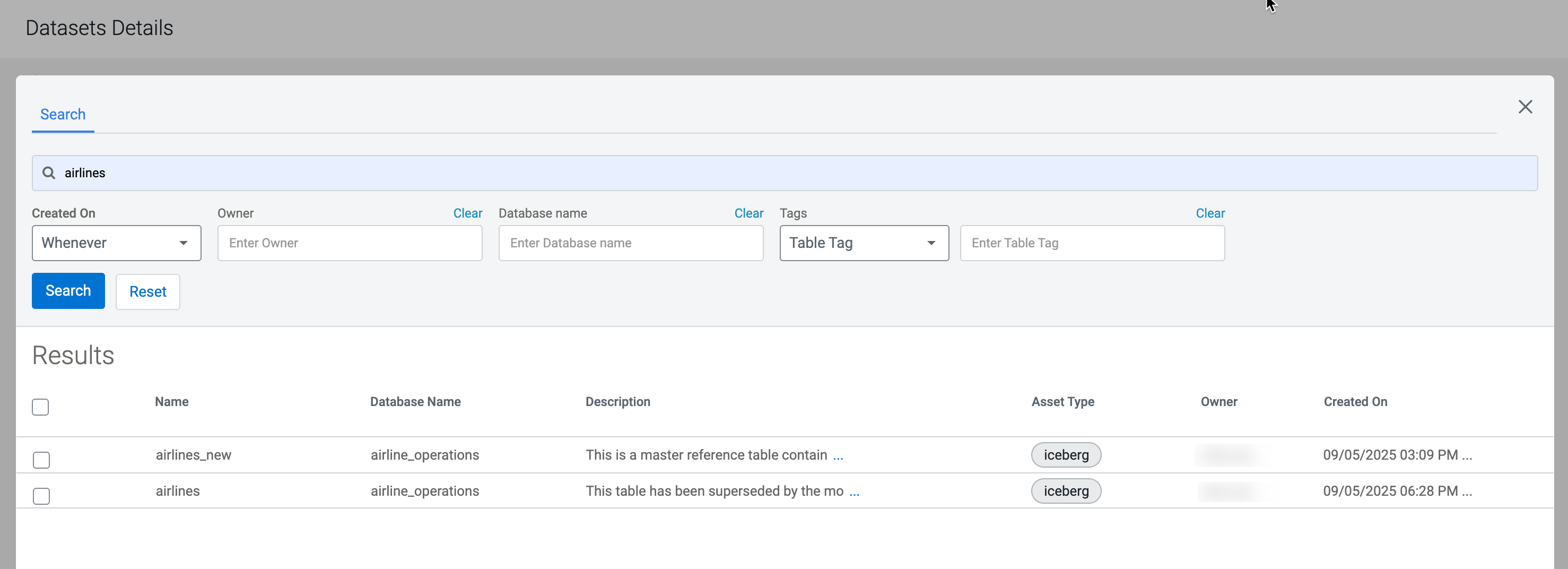
-
Use filters to search for specific assets based on the attributes of assets.
Click Filter to display the filters available.
-
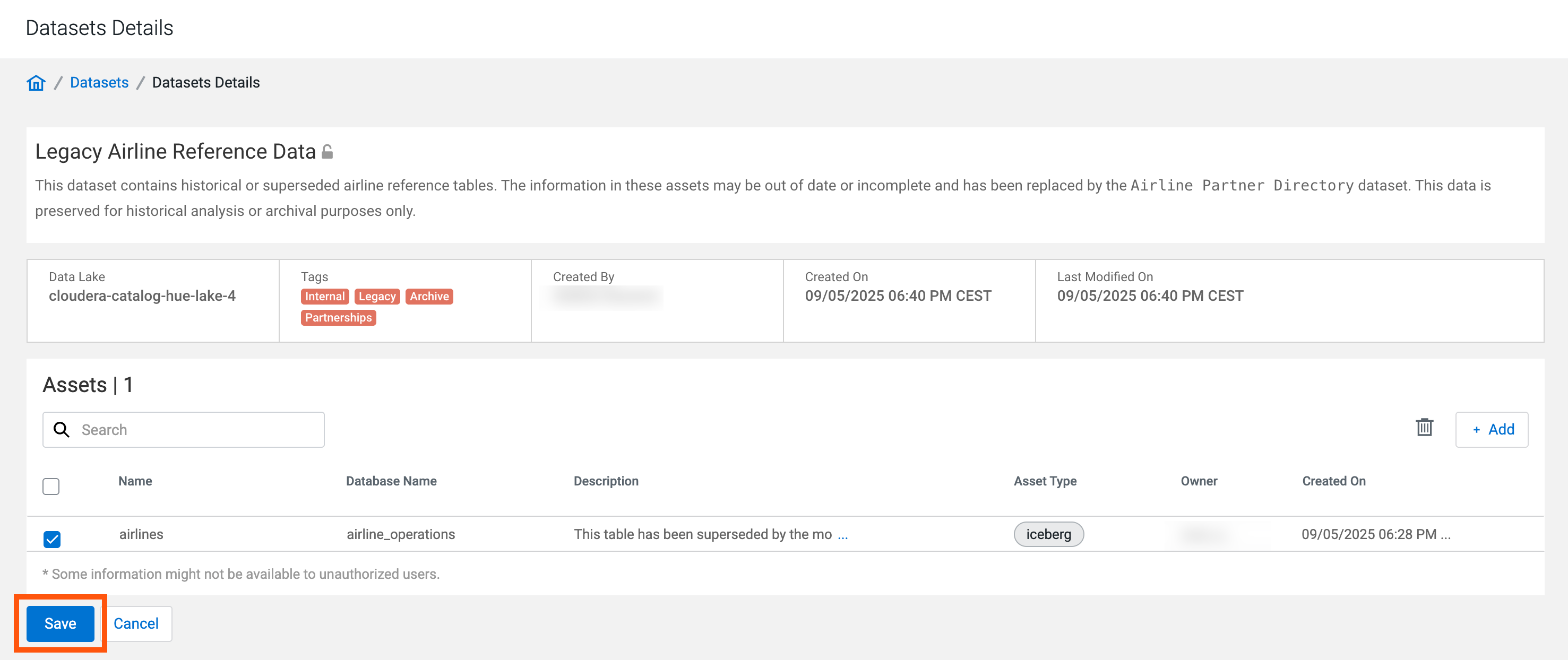
Click Save to finish editing your dataset.
Figure 5. Save dataset