Deleting a data connection
Learn how you can remove an existing data connection in Cloudera Data Visualization.
-
In the side bar, click
 to the right of the connection you want to delete.
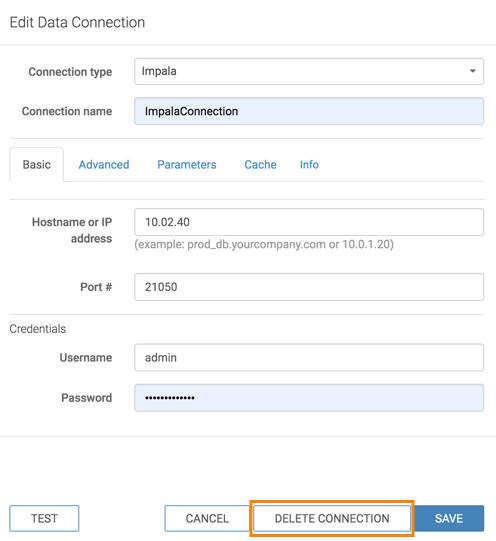
The Edit Data Connection side panel appears.
-
At the bottom of the Edit Data Connection side panel, click
Delete connection.