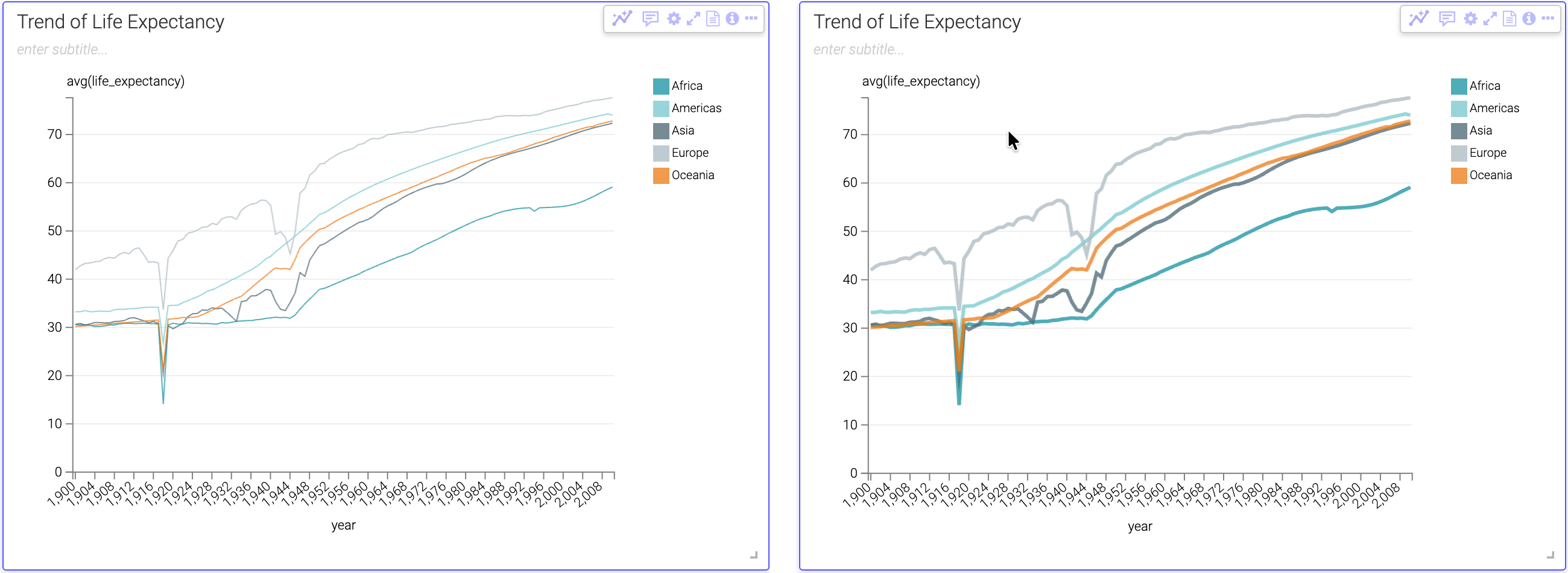
Adjusting line width in visuals

In Line visuals, you can customize the stroke width of the data lines to improve readability and visual hierarchy on your dashboards. The setting applies to all lines in the visual; you cannot adjust individual lines separately.

  1. Open a dashboard in Edit mode and select the Line visual you want to customize (or create a new Line visual).
  2. In the Visual Builder sidebar, click Settings.
  3. Expand the Marks section.
  4. In the Line width (px) field, enter the desired line thickness in pixels (e.g., 2, 3, 4).
  5. Save the dashboard.