Customizing marks
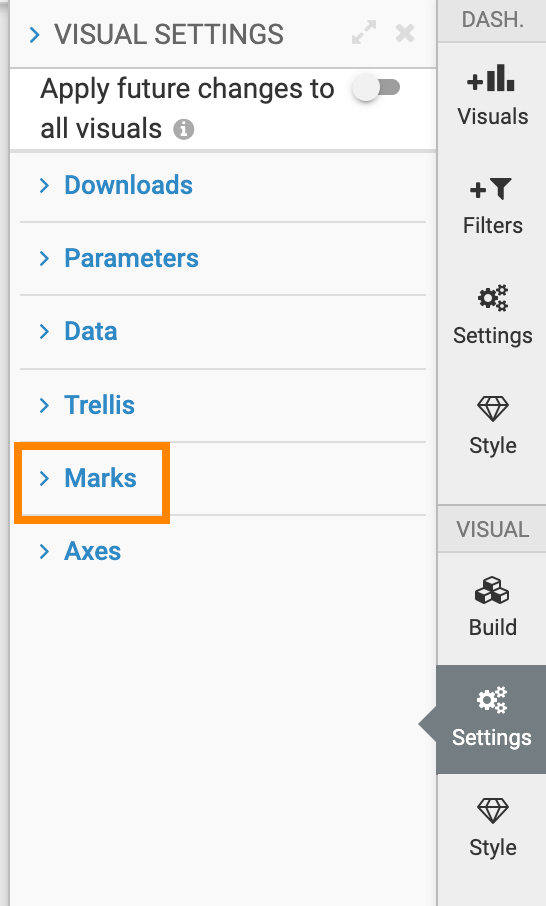
The Marks menu contains display settings for chart elements. The settings available depend on the visual type.
To access the Marks settings, follow these steps:
-
Expand Marks to see the available options.
The Marks menu includes the following options.
