Search bookmarks
Cloudera Data Visualization enables you to bookmark the results of Natural Language Search, and to easily manage these bookmarks. You can revisit the results using bookmarks without having to locate or search each time.
The Bookmarks tab of the Search modal window has the features displayed in the figure below:
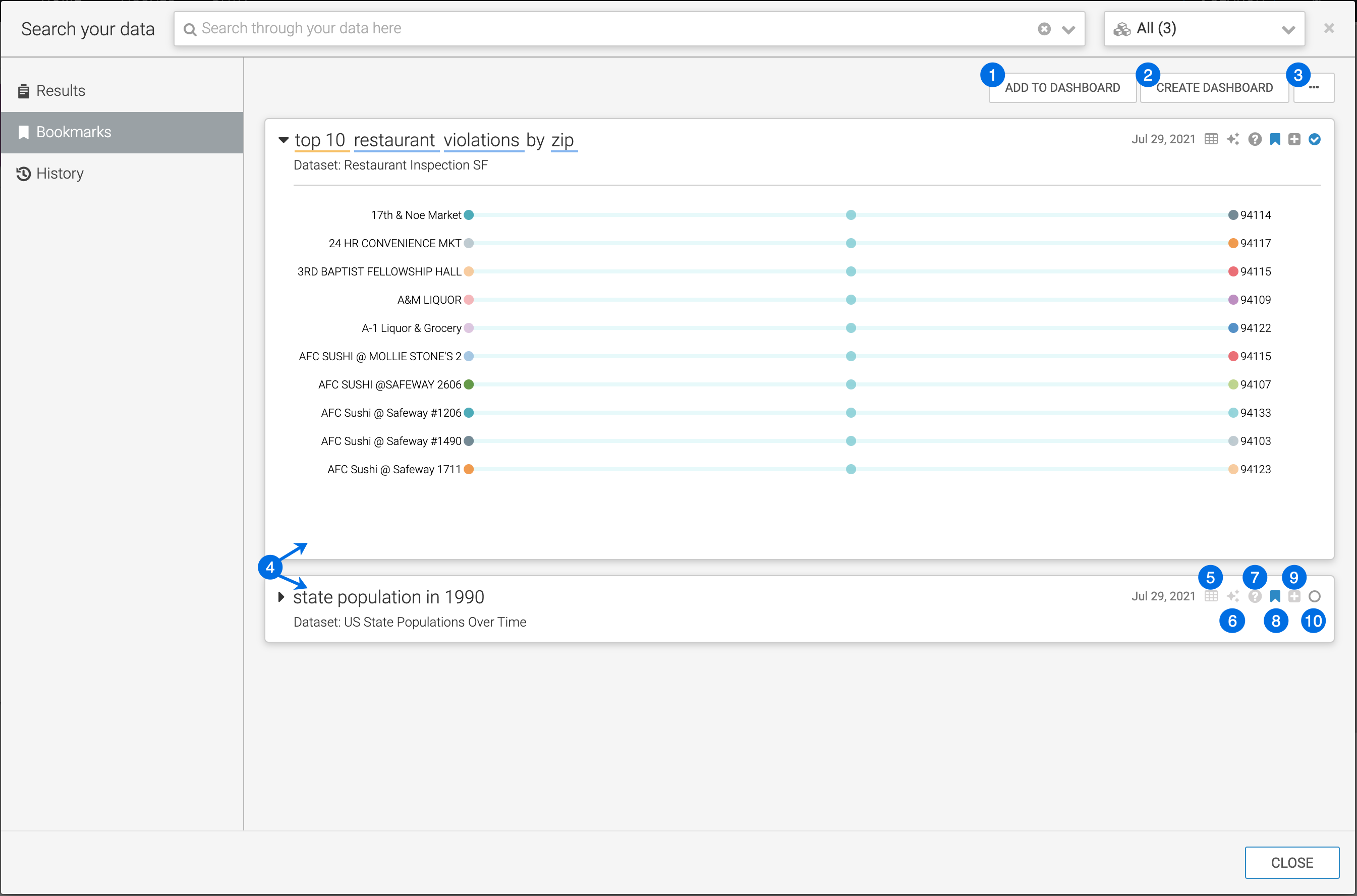
- ADD TO DASHBOARD
Selecting this option adds selected visuals to an existing dashboard.
- CREATE DASHBOARD
Selecting this option creates a new dashboard that contains selected visuals.
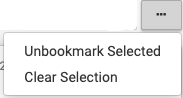
- Supplemental menu
Supplemental options enable you to make bulk changes to selected results.
- Bookmarked results
The main area of the Bookmarks tab shows a list of bookmarked results. By default, they are in collapsed mode.
- View and download data
This shows the data that is being graphed with an option to download as a .csv file.
- Explore
Clicking this icon enables you to choose an alternate visual. For more information, see Changing result visual type through explore.
- Explain
Hovering over this icon shows the dataset and connection information, the SQL query and shelf information for the visual.
- Unbookmark
This enables you to remove visuals from the bookmarks.
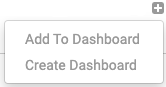
- Dashboard options
- Selector
You can select or deselect visuals to make actions on them.
