Setting roles
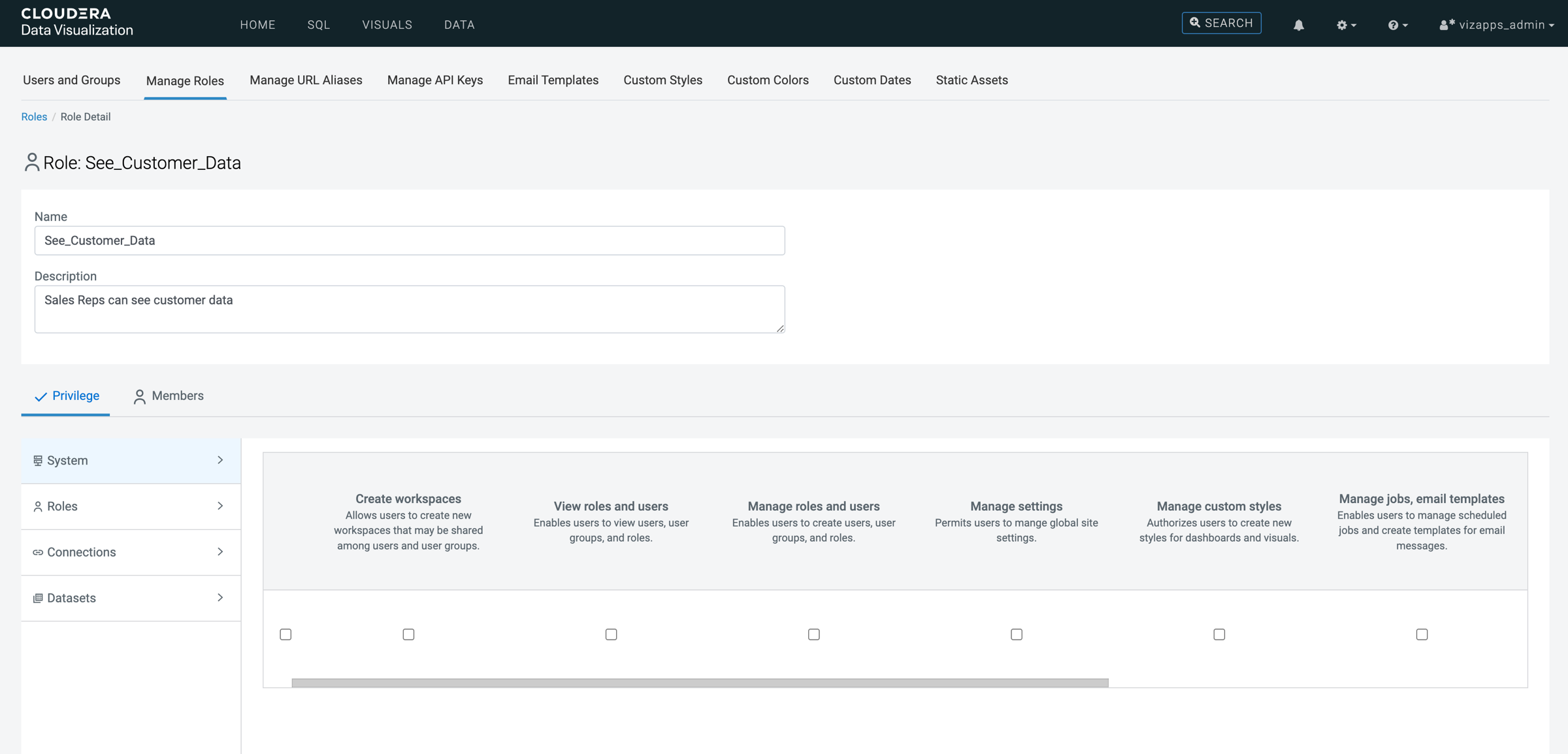
Roles define what users are allowed to do and which datasets they can access. To support row-level access control, roles must grant access to the required datasets while filter associations are used to restrict which records are visible. Defining roles with the appropriate privileges and assigning them to the relevant users or user groups is a key step in enforcing row-level access restrictions.
-
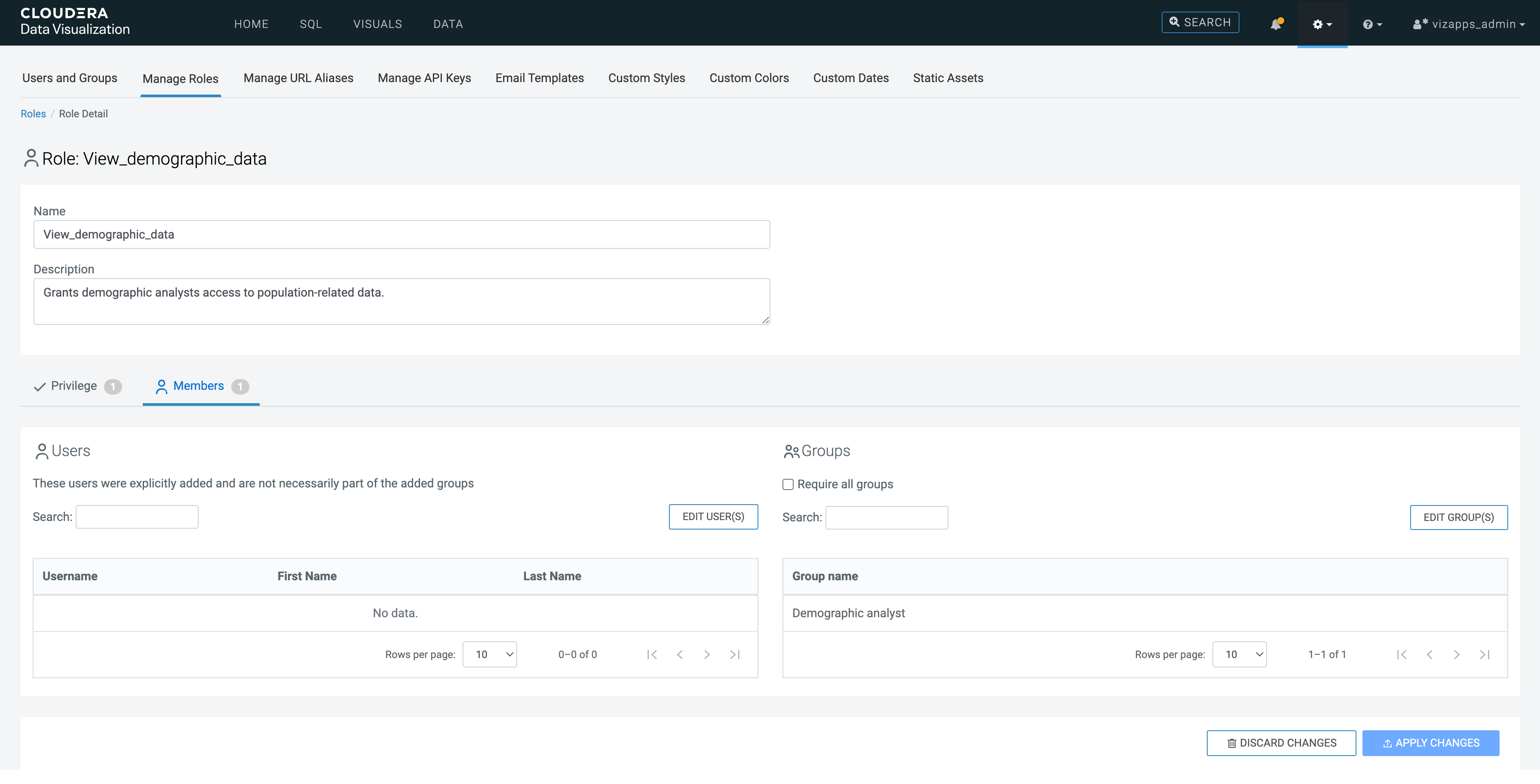
Role name: View_demographic_data
-
Description: Grants demographic analysts access to population-related data.
-
Privileges:
- System privileges: none
- Dataset privileges:
- US State Populations Over Time dataset on the Sample connection
- Manage dataset, Manage dashboards, View dashboards
-
Assigned group: Demographic analyst