Changing join types
Learn how you can change the join type in a table in Cloudera Data Visualization.
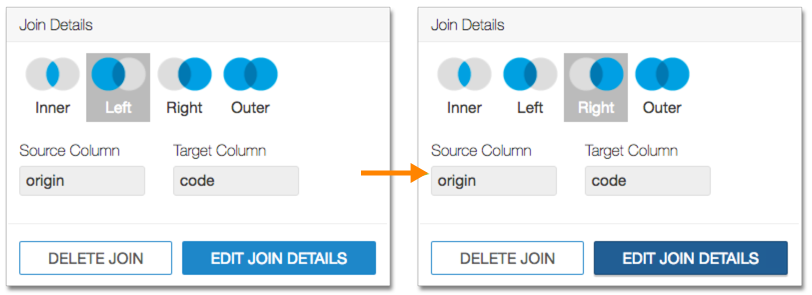
The following steps demonstrate how to change the join type in a table from the default Left join to the Inner join.
-
Click the two overlapping circles on the line connecting the tables to change the join
type.