Restricting columns in datasets based on SQL query
You can restrict which columns are included in a dataset by modifying the SQL query to select only the required fields.
To include only specific columns in a SQL-defined dataset, list them in the query’s
SELECT clause. This limits the fields available for analysis.
-
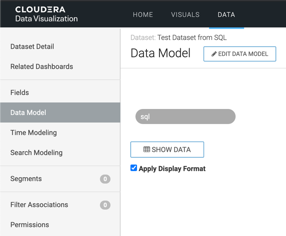
Switch to Data Model interface.
-
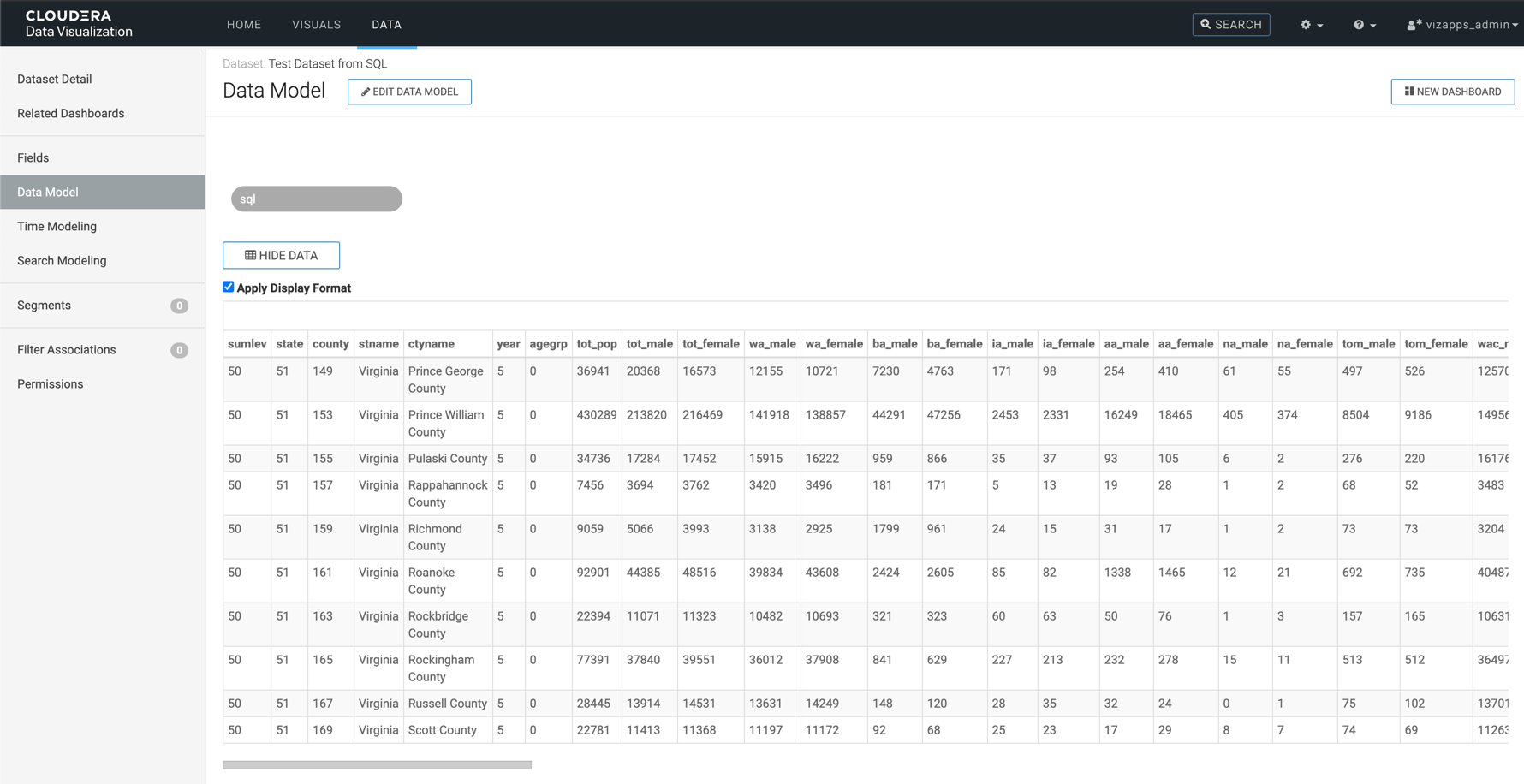
Click Show Data to review the columns returned by the current
query.
-
Switch back to Dataset Detail interface, and update
SQL query by editing the SELECT
statement.
For example:
select cereal_name, calories from cerealsIn this example, only the
cereal_nameandcaloriesfields are kept in the dataset.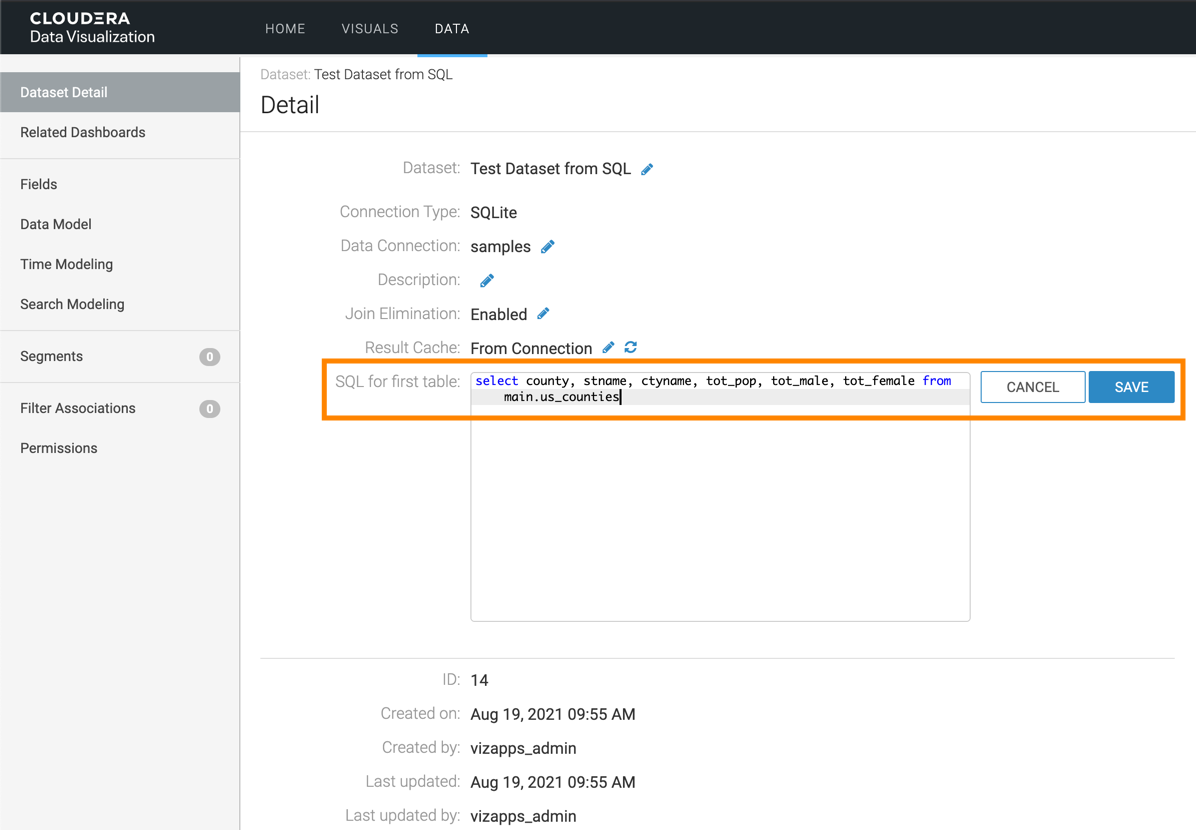
-
Switch back to the Data Model interface, click Show
Data, and verify that only the selected columns appear.
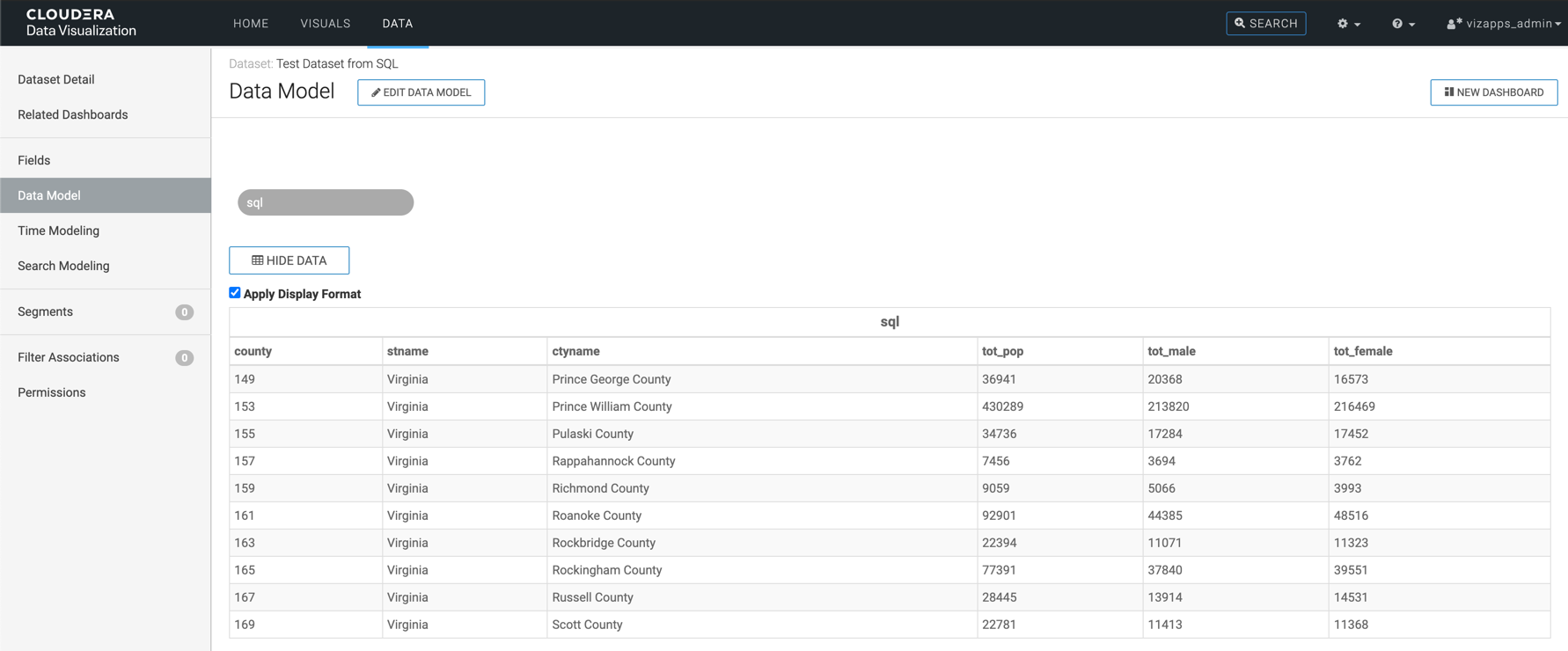
In this example, the dataset only contains
cereal_nameandcalories.
