You can refresh an existing dataset if the underlying tables change or if you update
the associated extract with new or changed fields.
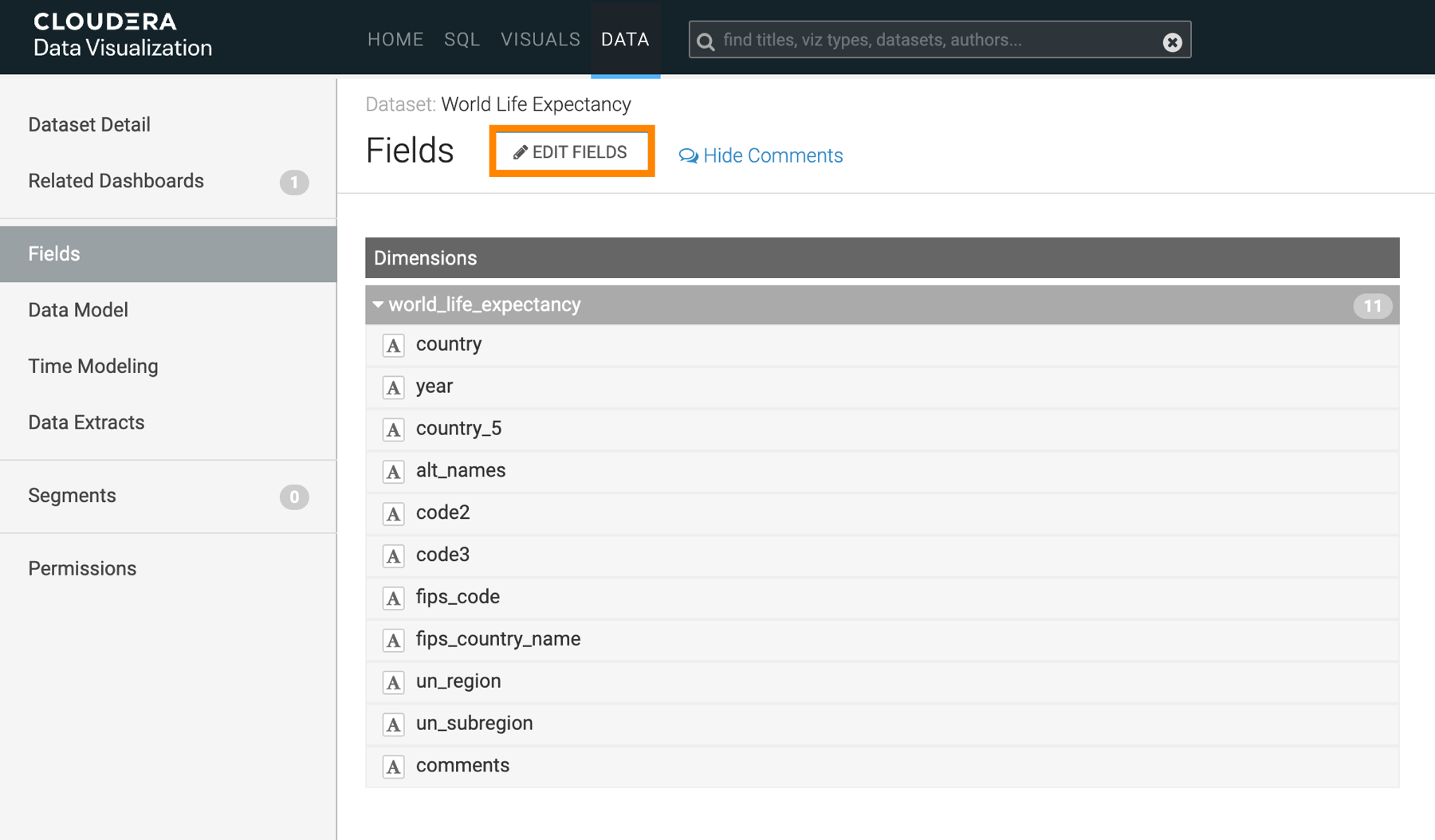
On the left navigation panel, click Data.
The Data view opens, displaying the
Datasets tab.
Select a connection from the connection list on the left side panel.
In the Datasets area, click the dataset you want to
modify.
In the Dataset Detail menu, select
Fields.
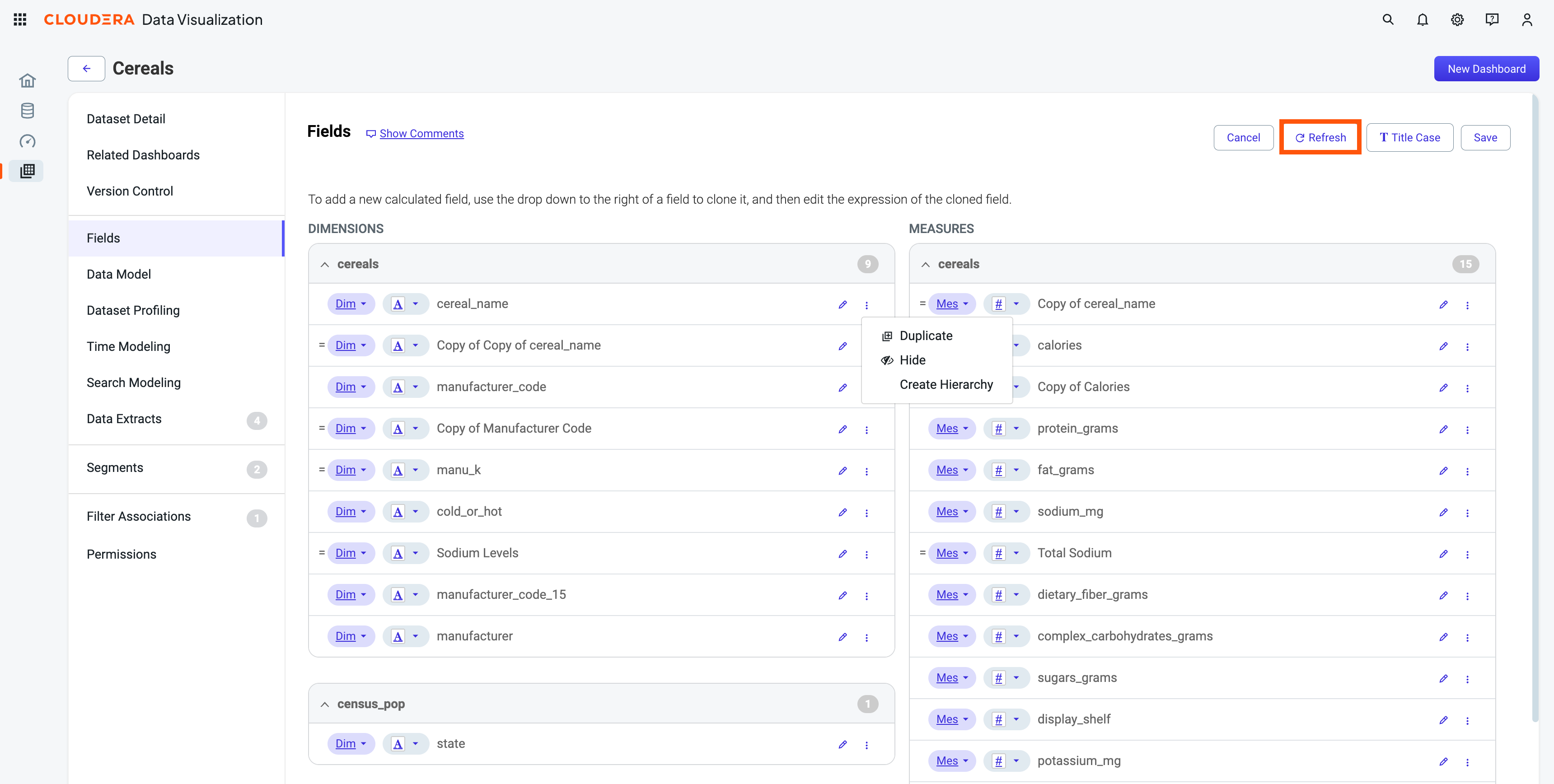
Click Edit to access the editing interface.
In the top-right corner of the page, click Refresh.
Cloudera Data Visualization scans the table for changed fields. If no changes
are detected, no refresh is done and a notification is displayed. If changes are detected,
the table columns are updated and a notification is displayed about the change.