Debugging Trino Virtual Warehouses using Web UIs
You can use the Trino Web UI to view information about running or completed queries, configuration settings, details about resource usage, and performance of your Trino Virtual Warehouses.
Make sure that you note your Cloudera workload user name and have set a password for it in the User Management module of Cloudera Management Console. You need to use your workload user name and its associated password to log into the debug Web UIs. For more information, see Setting the workload password in the Cloudera Management Console documentation set.
-
In the Cloudera Data Warehouse UI on the Overview page,
locate the Trino Virtual Warehouse for which you want to view the Trino Web UI,
and select
 > Details.
The Virtual Warehouse Details page is displayed.
> Details.
The Virtual Warehouse Details page is displayed. -
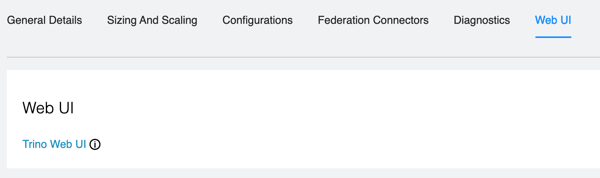
In the Virtual Warehouse Details page, select the
Web UI tab. The Trino Web UI link is displayed as
shown in the following image: