Quota Management is generally available in Cloudera AIon premises 1.5.5 SP3 and higher releases for fresh workbench
installations. Quota Management enables you to control how resources are allocated within
your Cloudera AI Workbench on user and on team level.
In order to prevent a single session, job, or other workload from consuming all the
available cluster resources, you can limit the number of CPUs, the amount of memory
allocated by user, business units, or Data Service by defining resource pools that set
resource limits.
Pools are organized in a hierarchical manner, defining nodes in a hierarchy based on
resource limits.
To manage quotas, provision a workbench using a configured resource pool. Quota
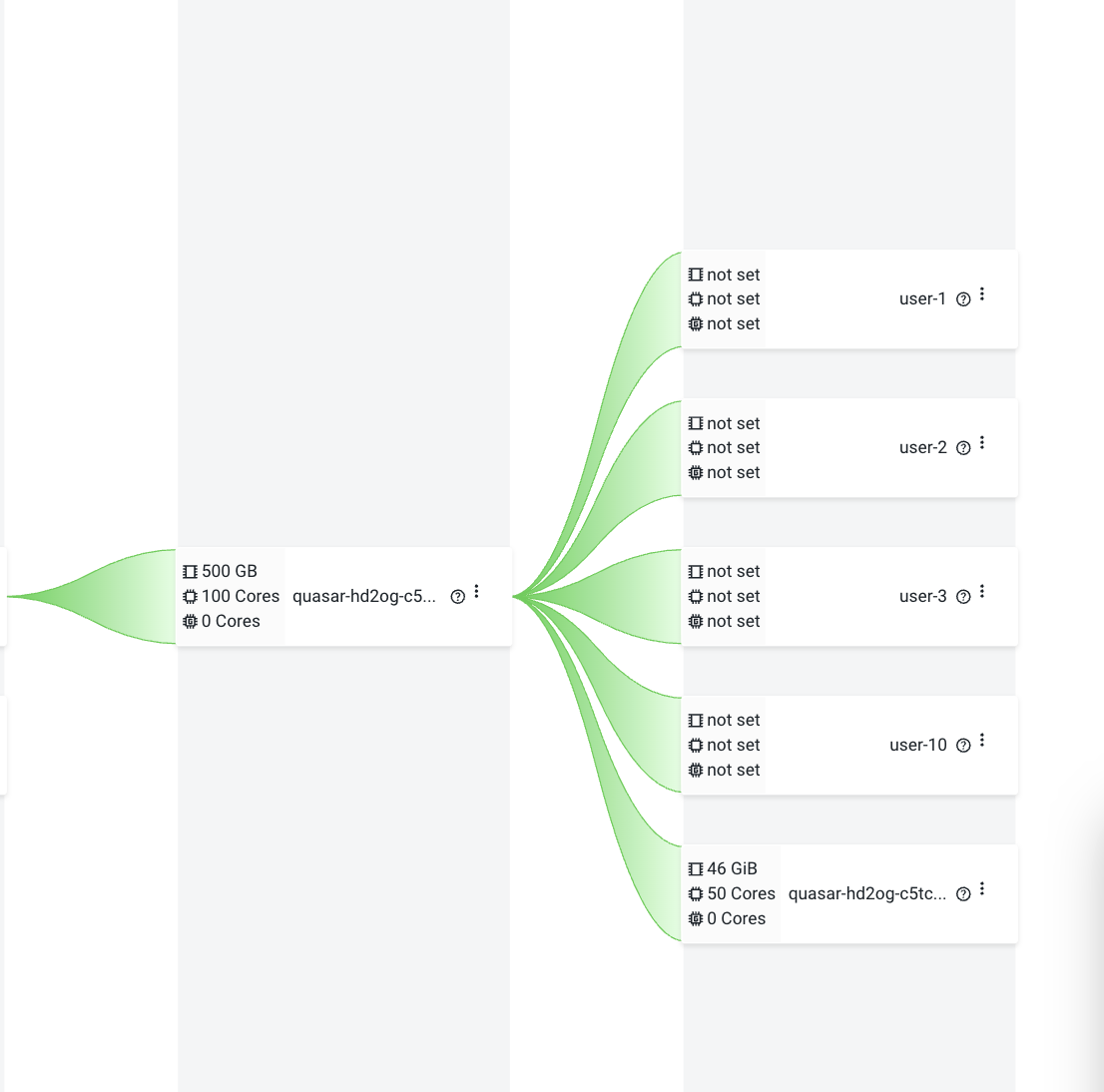
management is enabled by default. All newly created user resource pools will have an
unset quota.
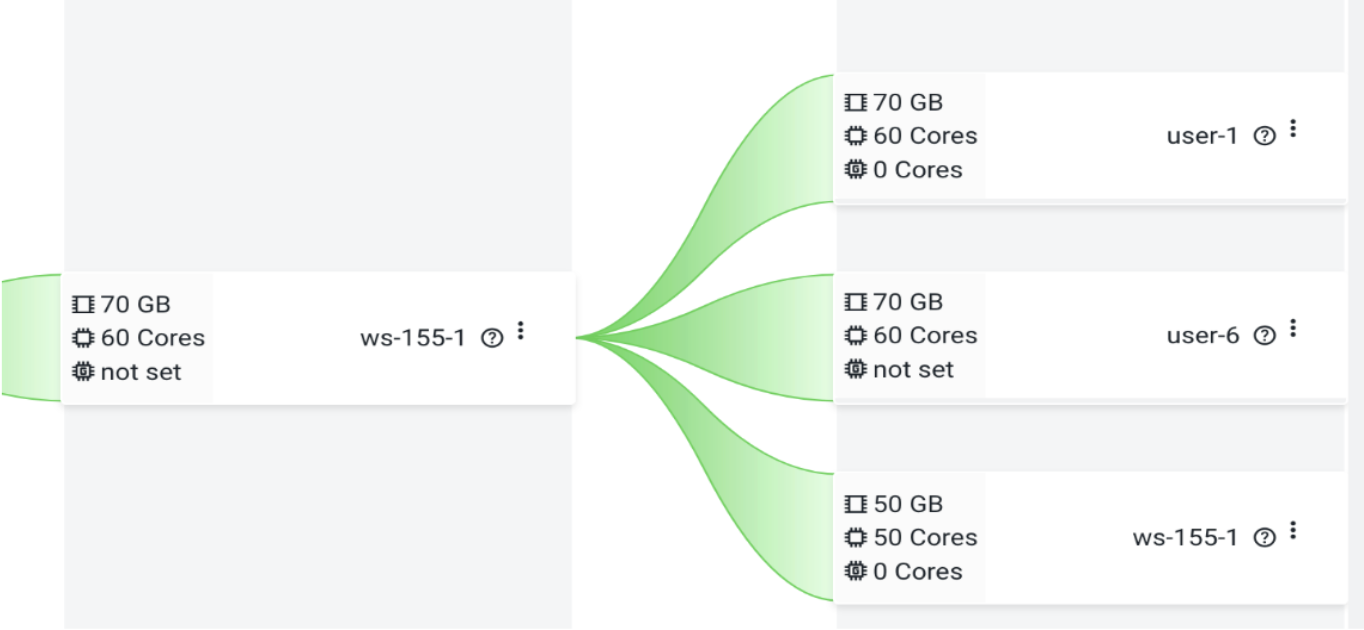
Figure 1. Unset quotaFigure 2. Defined quota in Cloudera AIon premises 1.5.5 SP1 and lower releases