Using resource management audit logs
Access real‑time audit entries that capture asset lifecycle changes in the Application Logs tab.
-
Click Applications in the left
navigation
pane.
The Applications window is displayed.
Figure 1. Applications window in Agent Studio 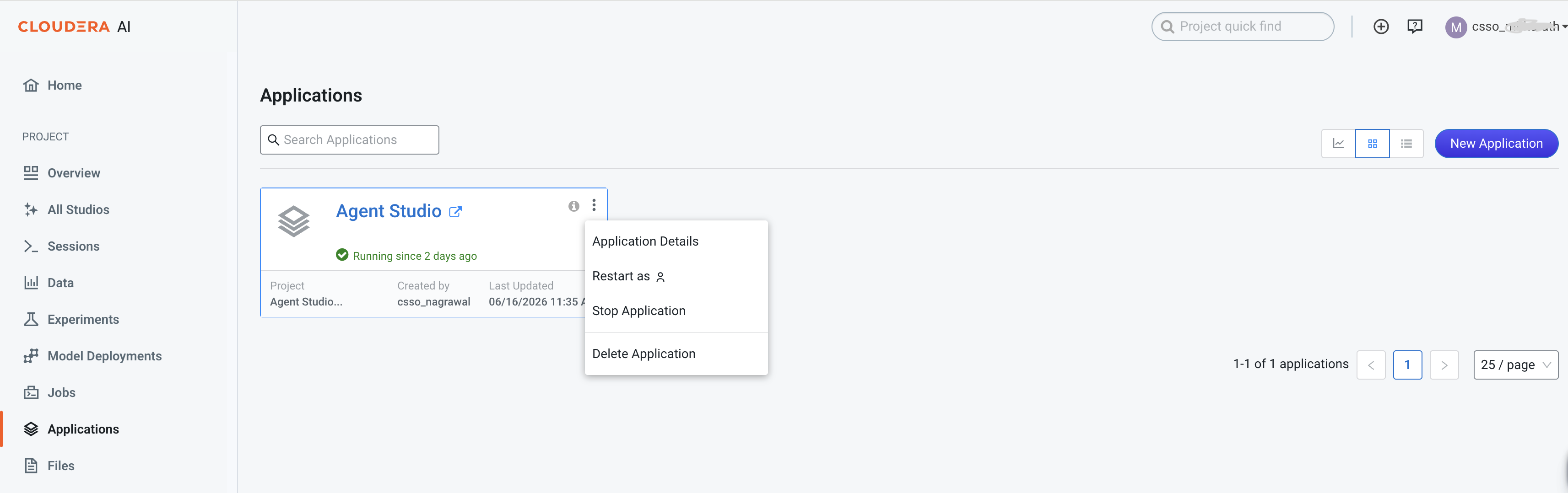
-
Click the context icon and select Application Details.
The Overview window is displayed.
Figure 2. Agent Studio overview 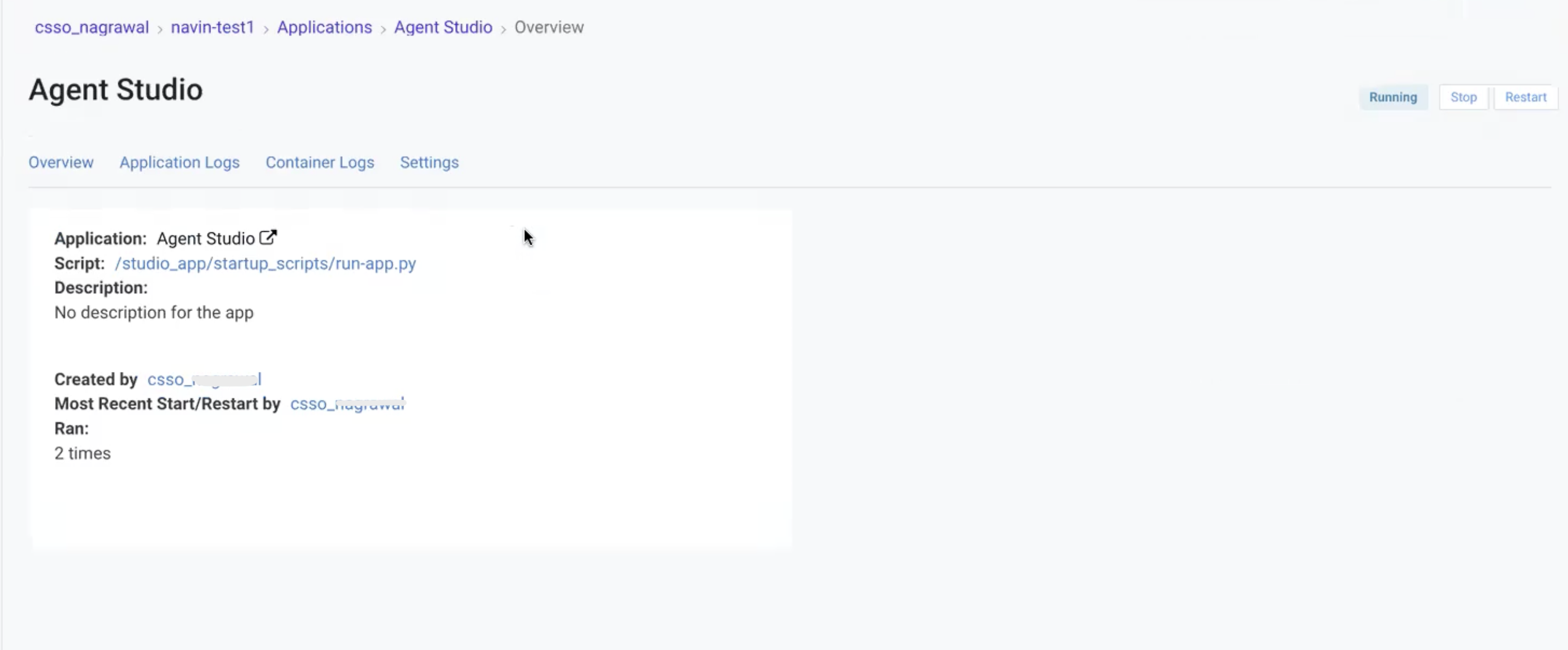
-
Go
to the Application Logs
tab to
display a real-time audit log.
When a workflow is modified, the system generates an audit log entry containing the following structured metadata parameters:
-
User (
user) — The username of the authenticated session initiating the modification. -
Operation (
operation) — The specific lifecycle action, such as CREATE, UPDATE, or DELETE. -
Resource type (
resource_type) — The classification of the altered resource, such as workflow or agent. -
Resource ID (
resource_id) — The unique identifier (UUID) of the affected object.
Figure 3. Audit log in the Application Logs tab 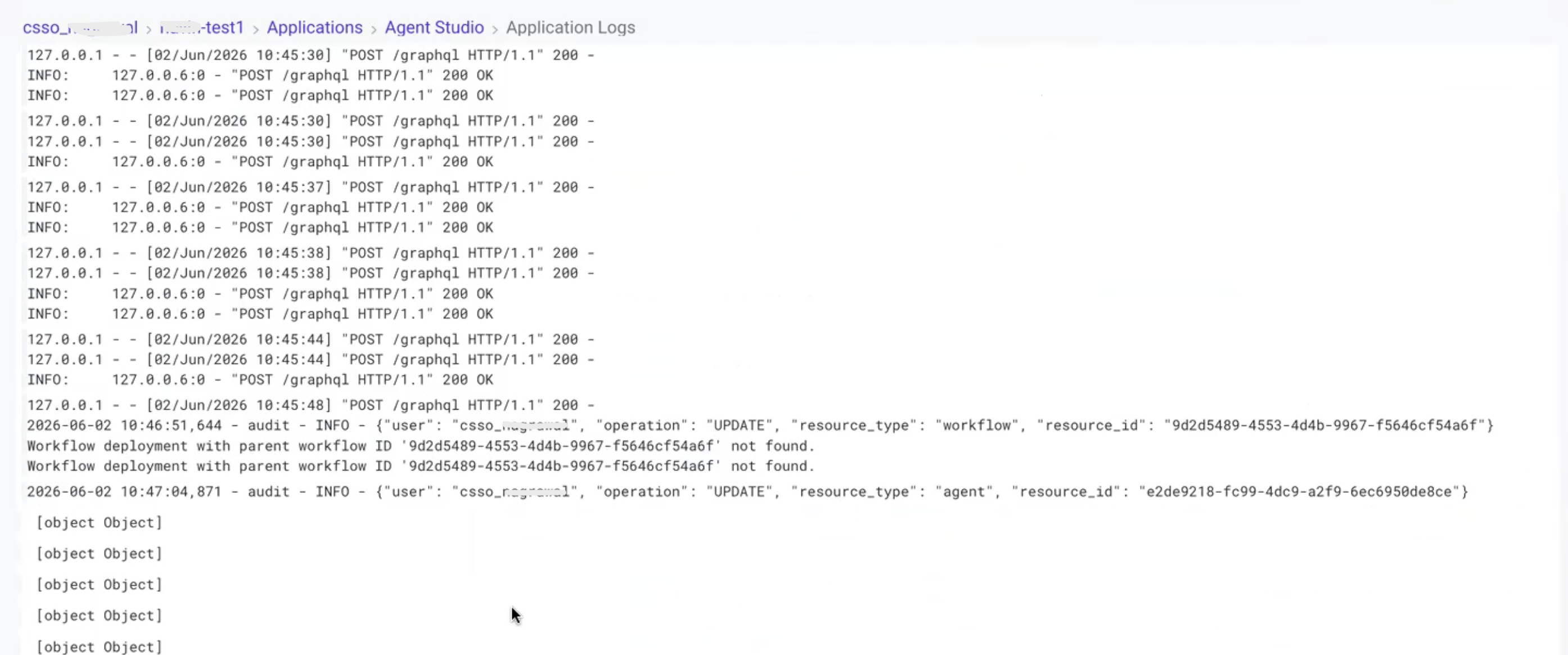
-
