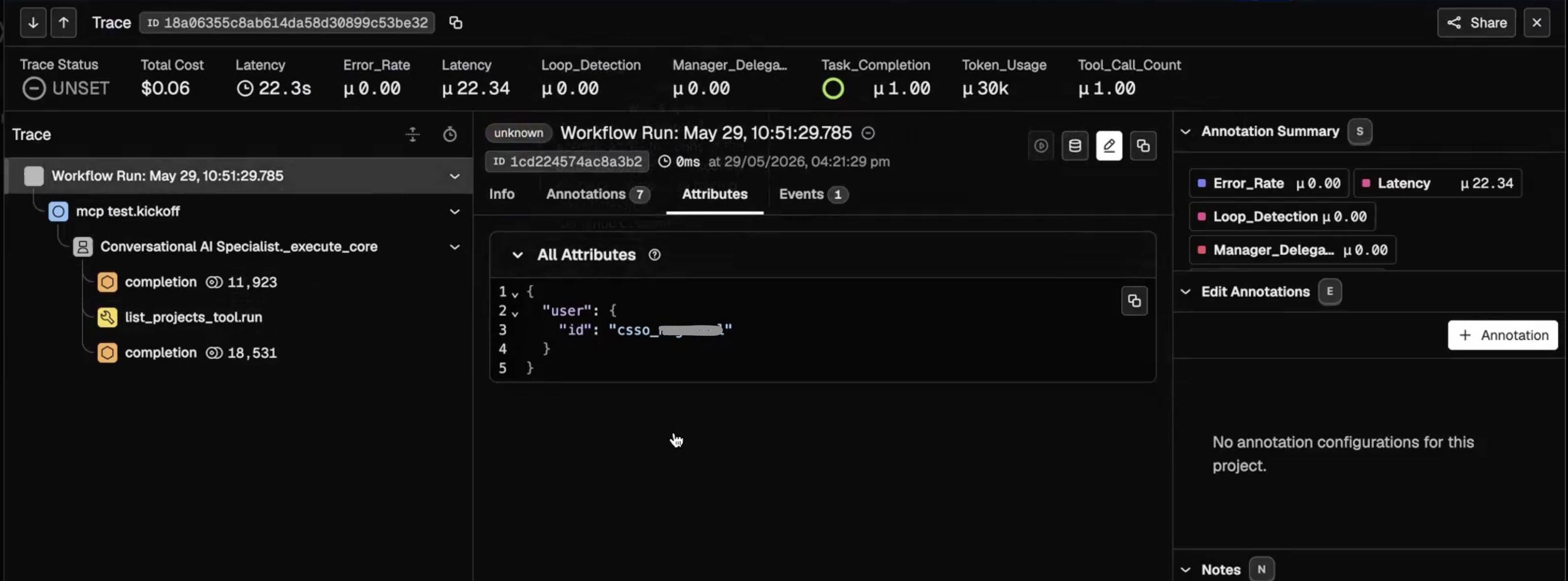
Viewing workflow audit traces
Access project-level audit information that allows you to track and verify user‑initiated workflow run histories.
-
Click the Ops tab.
The Projects overview dashboard window is displayed.
Figure 1. Projects dashboard window 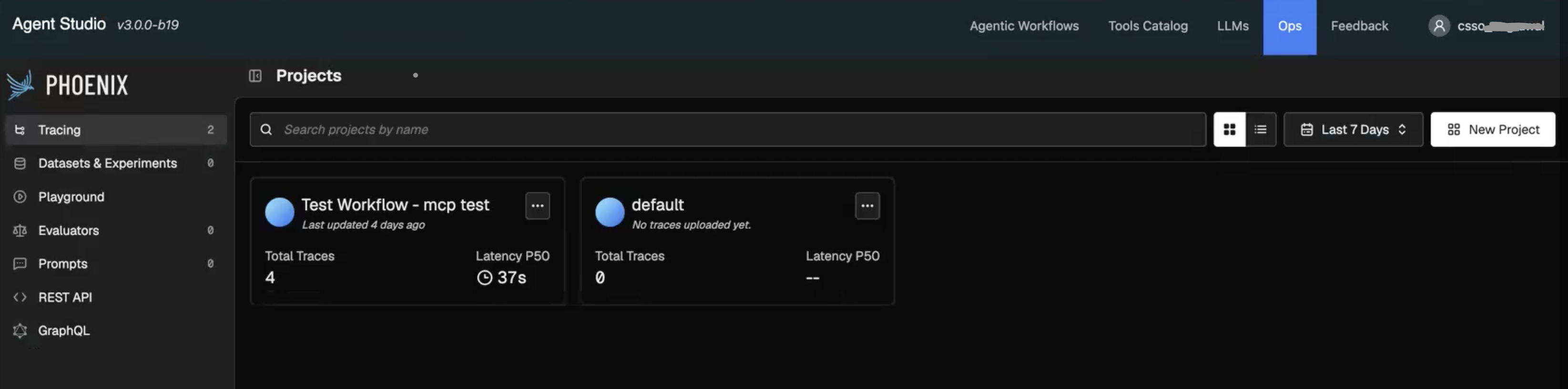
-
Select the specific project tile to open the interactive trace list
displaying
individual runs.
Figure 2. Interactive trace list 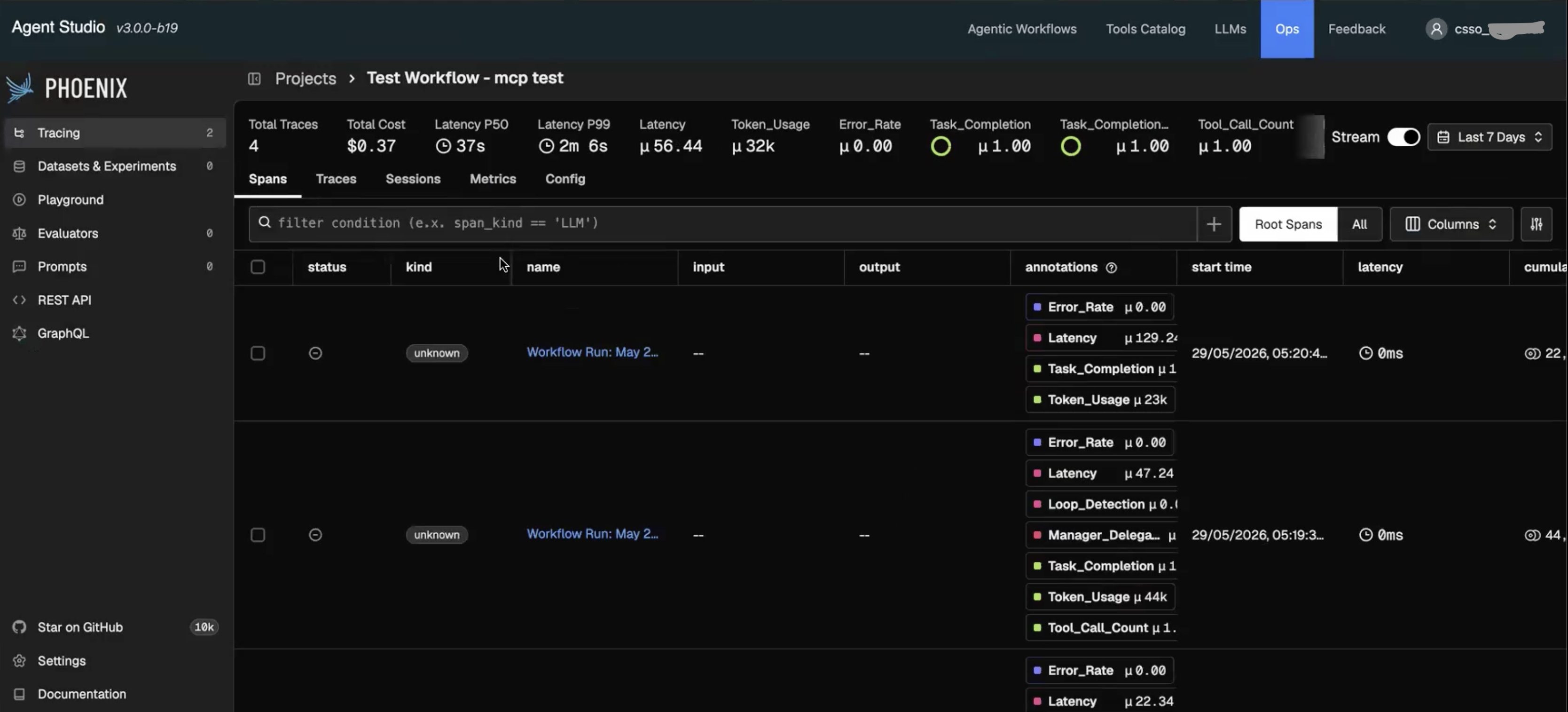
-
Click
the required run instance from the list.
The comprehensive Trace modal window opens.
Figure 3. Trace modal window for a workflow run