Manage Large Language Models (LLMs) within Agent Studio, by registering new models, the
supported model providers, and by validating already registered models for proper
functioning
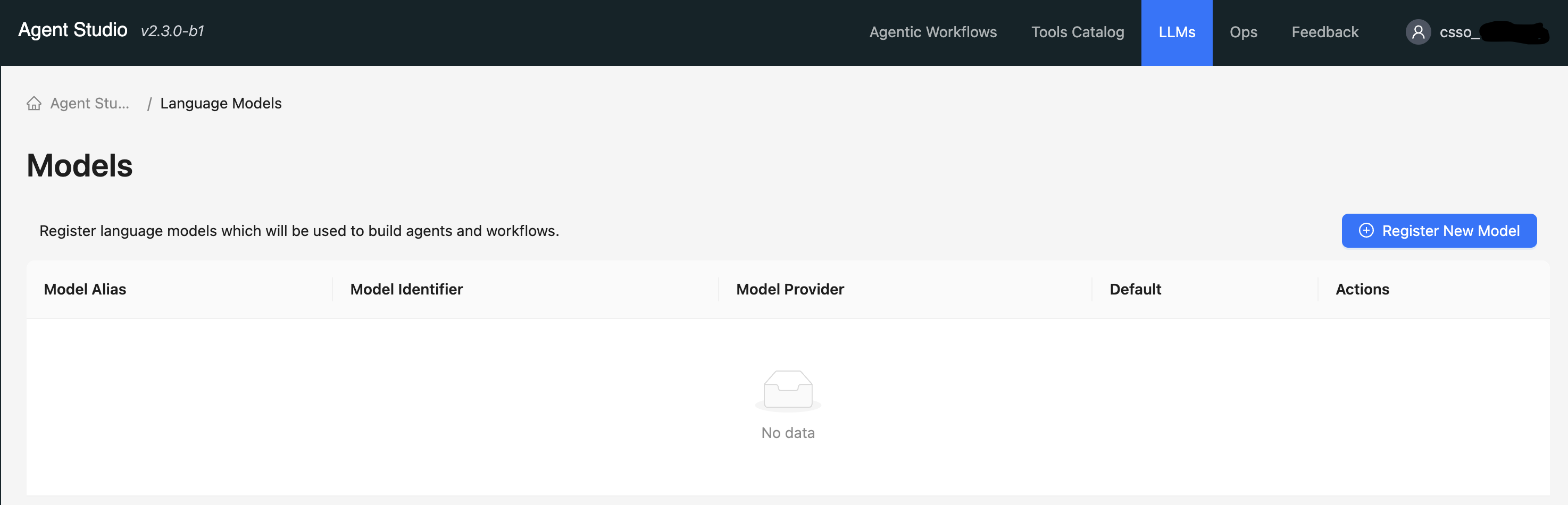
The LLMs tab in Agent Studio enables you to configure the AI
models for your agents. The first model you set up is automatically assigned as the
default for all agent operations. However, you can register new models and select to
update the default settings at any time.Figure 1. LLMs tab in Agent Studio