Change management - Best practices for using Cloudera Data Lineage for CI/CD DataOps
As data developers and data governance teams, learn about how to effectively use the Cloudera Data Lineage (formerly Octopai) automated data lineage solution in managing changes to data flows within a CI/CD DataOps process through best practices for environment setup, impact analysis, automated refreshes, pre-production testing, and troubleshooting to ensure data integrity and governance.
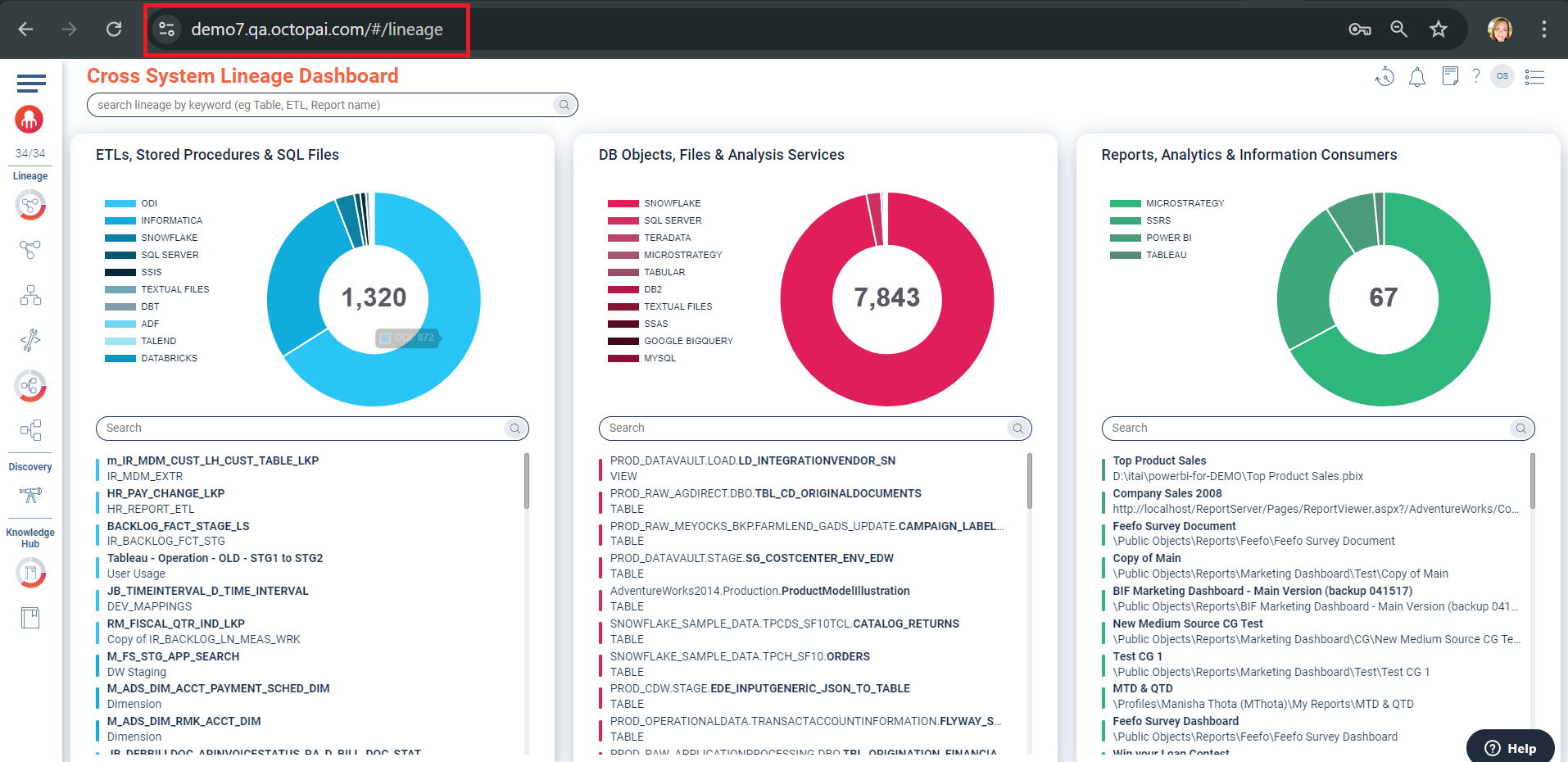
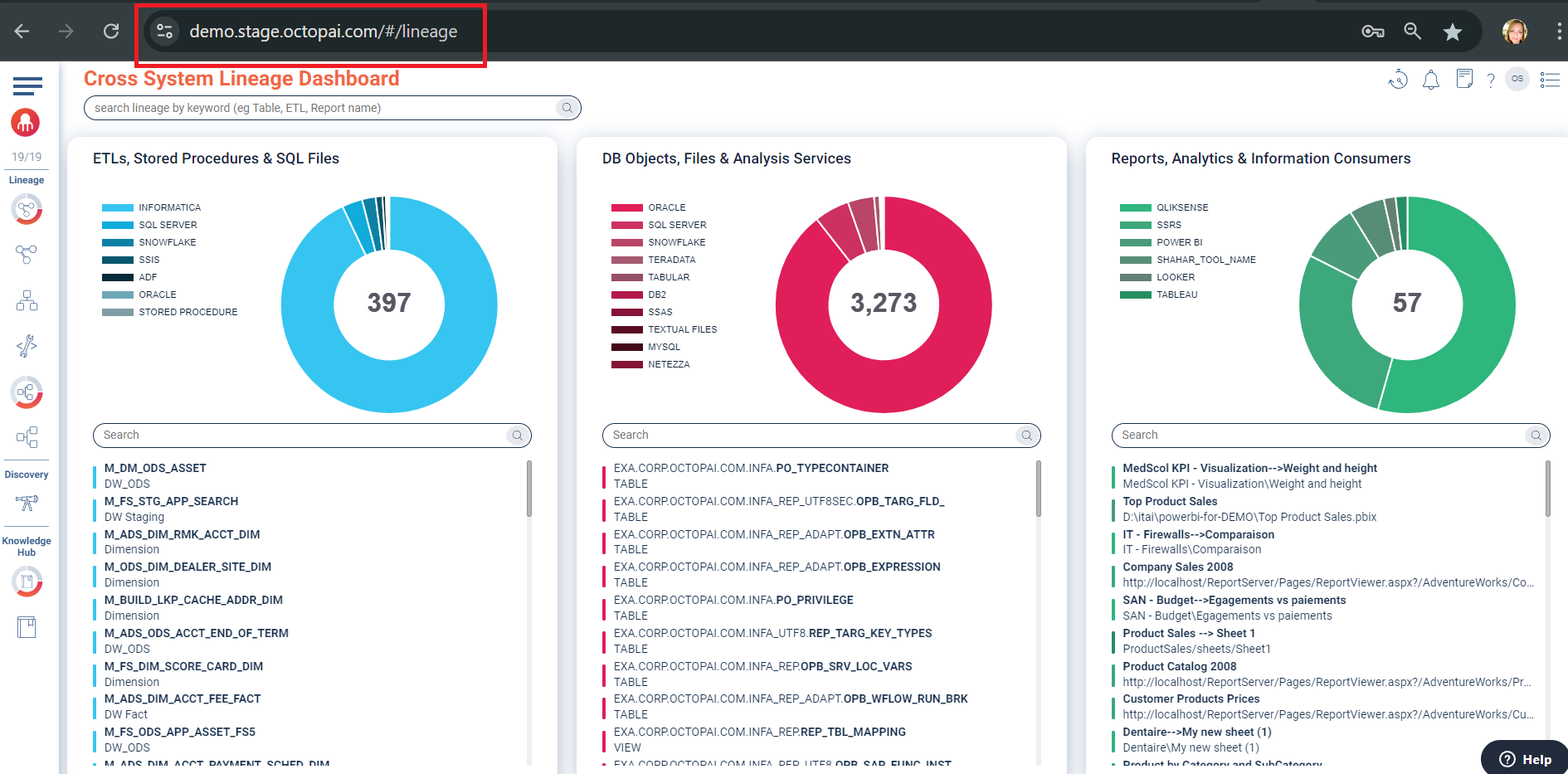
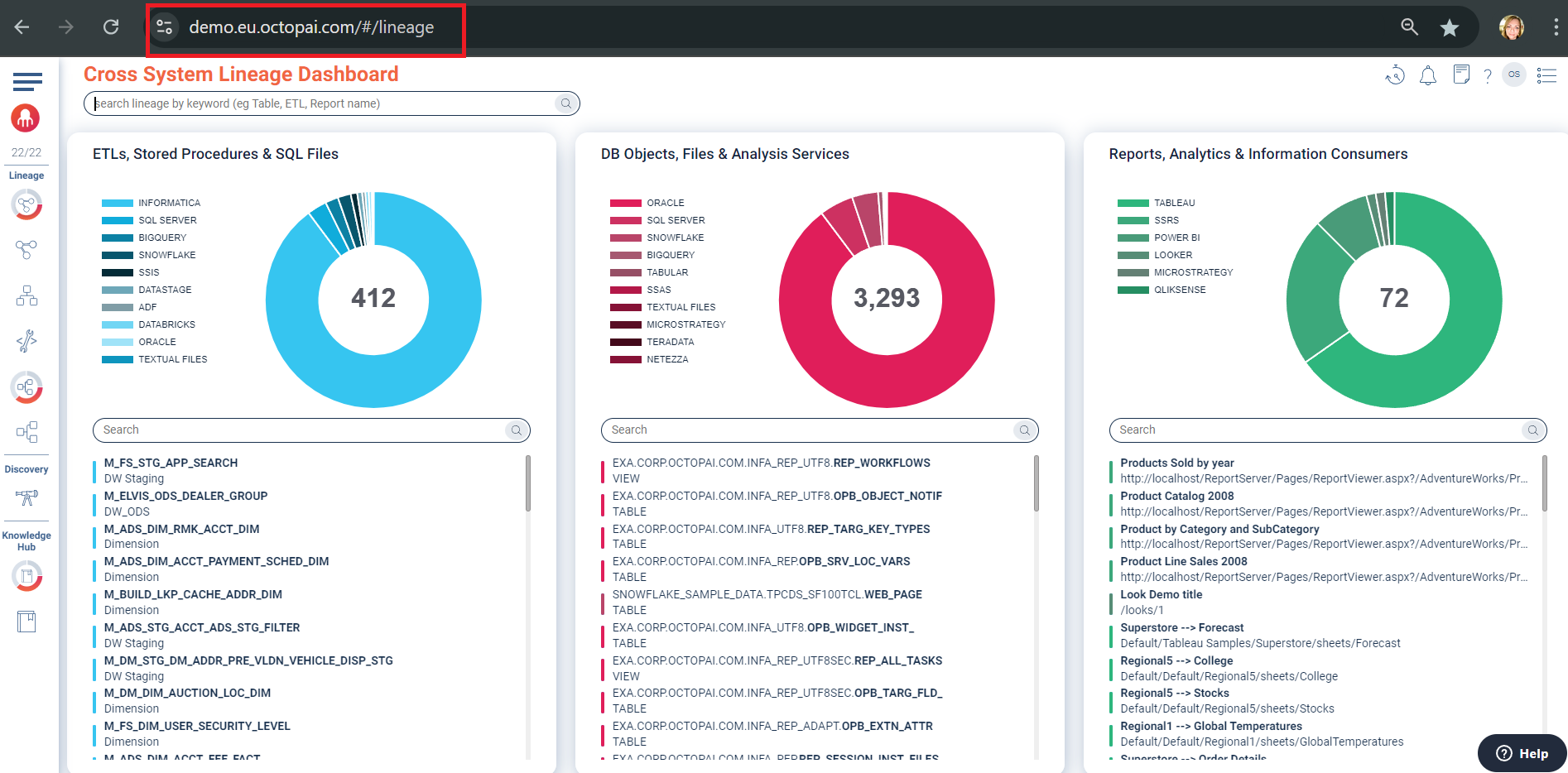
Your environments
- Development Environment – In this environment, data developers introduce and iterate on changes, ensuring that the changes meet initial requirements.
- QA Environment – In this environment, data governance teams can validate changes against governance policies and standards by executing test plans to ensure compliance and data integrity.
- Staging Environment – In this environment, data developers and governance teams can mimic production and perform final validation.
- Production Environment – In this live environment, end-users and business processes actively use data with strict governance oversight.
Applying impact analysis and risk assessment
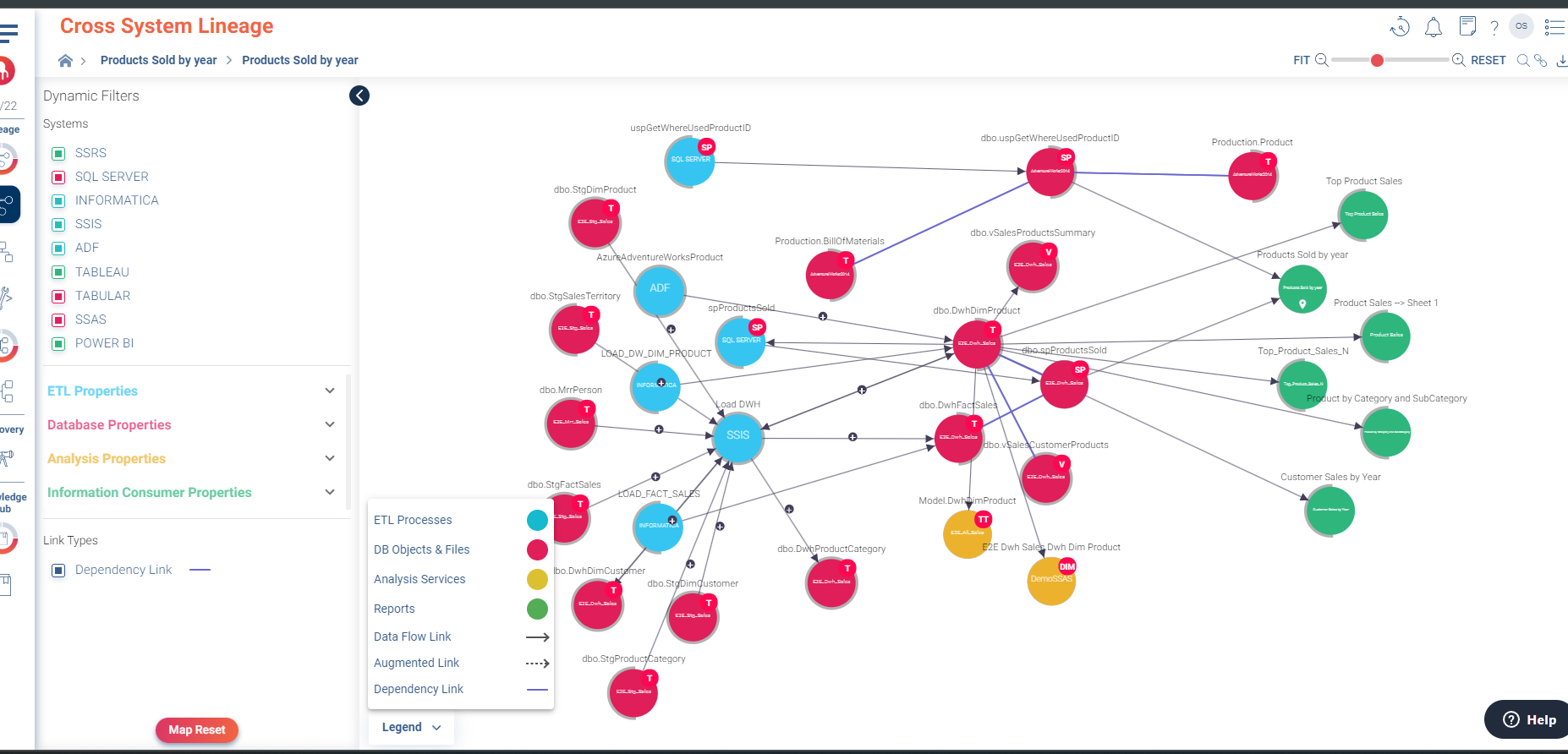
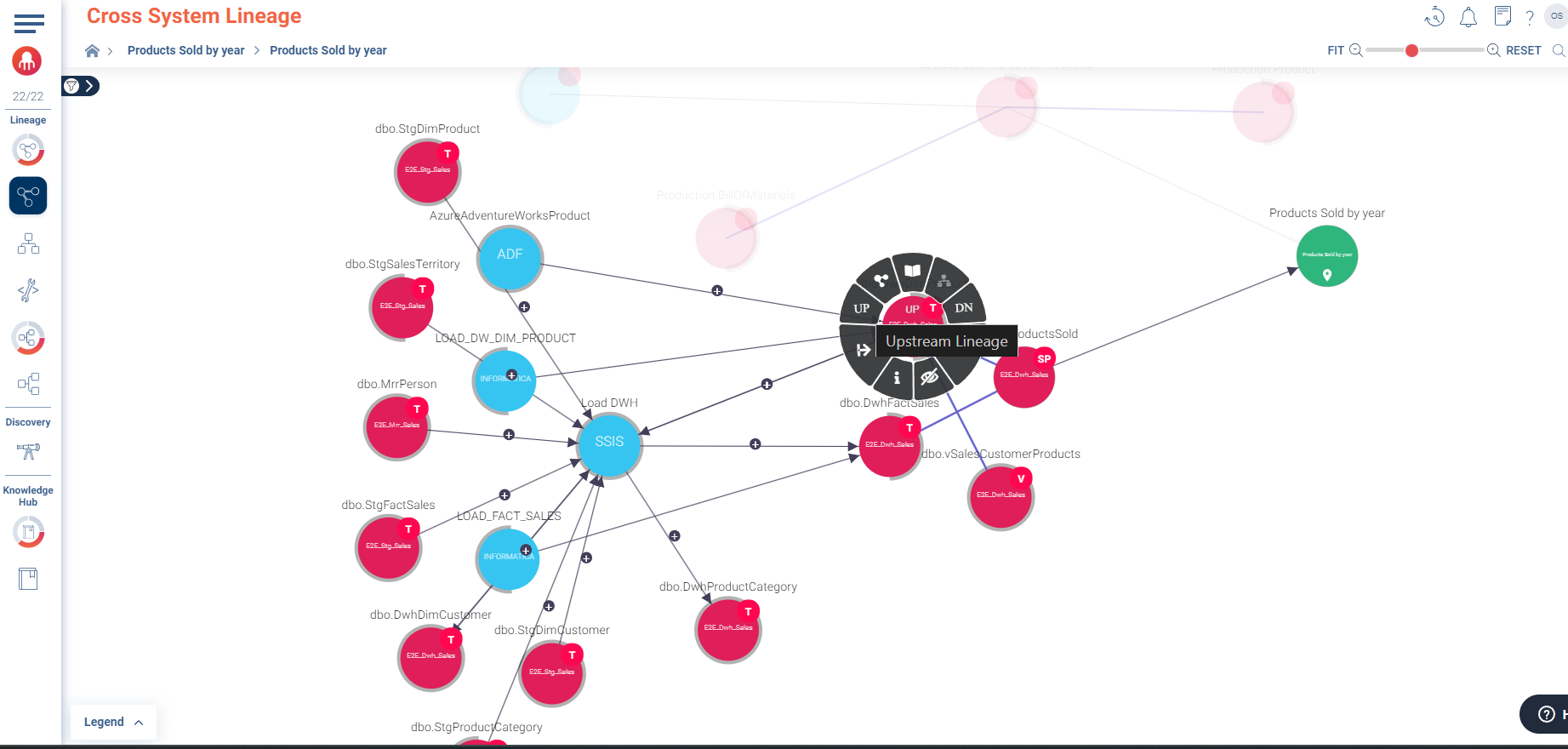
Understanding the potential impact of changes on data flows is critical for both data developers and governance teams by performing the following actions:
- Trigger impact analysis.
- Use Cloudera Data Lineage to identify upstream and downstream dependencies that might be affected by the change.
- Ensure that the impact analysis aligns with governance policies, documenting any risks or compliance issues.
- Conduct risk assessment.
- Evaluate the technical risks associated with the change, such as potential disruptions to dependent systems.
- Assess the risks from a compliance perspective, ensuring that all regulatory requirements are met.
Automating data refresh for testing
- Use Jenkins. For teams using Jenkins in their CI/CD pipeline, Cloudera Data Lineage can be integrated to automate the data refresh process. This allows data developers to work with the latest data lineage and governance teams to ensure continuous compliance.
- Use Octopai Client built-in feature for scheduling automatic data refreshes. This ensures that the lineage is always up-to-date, facilitating both development and governance efforts.
- Apply Jenkins in environments with established CI/CD pipelines where rigorous testing and governance are required. If not, the Cloudera Data Lineage scheduling features can serve as a simpler alternative.
- Apply the Cloudera Data Lineage automatic refresh solution on a connection level that is metadata source level.
Simulating changes in pre-production
- Simulate impact.
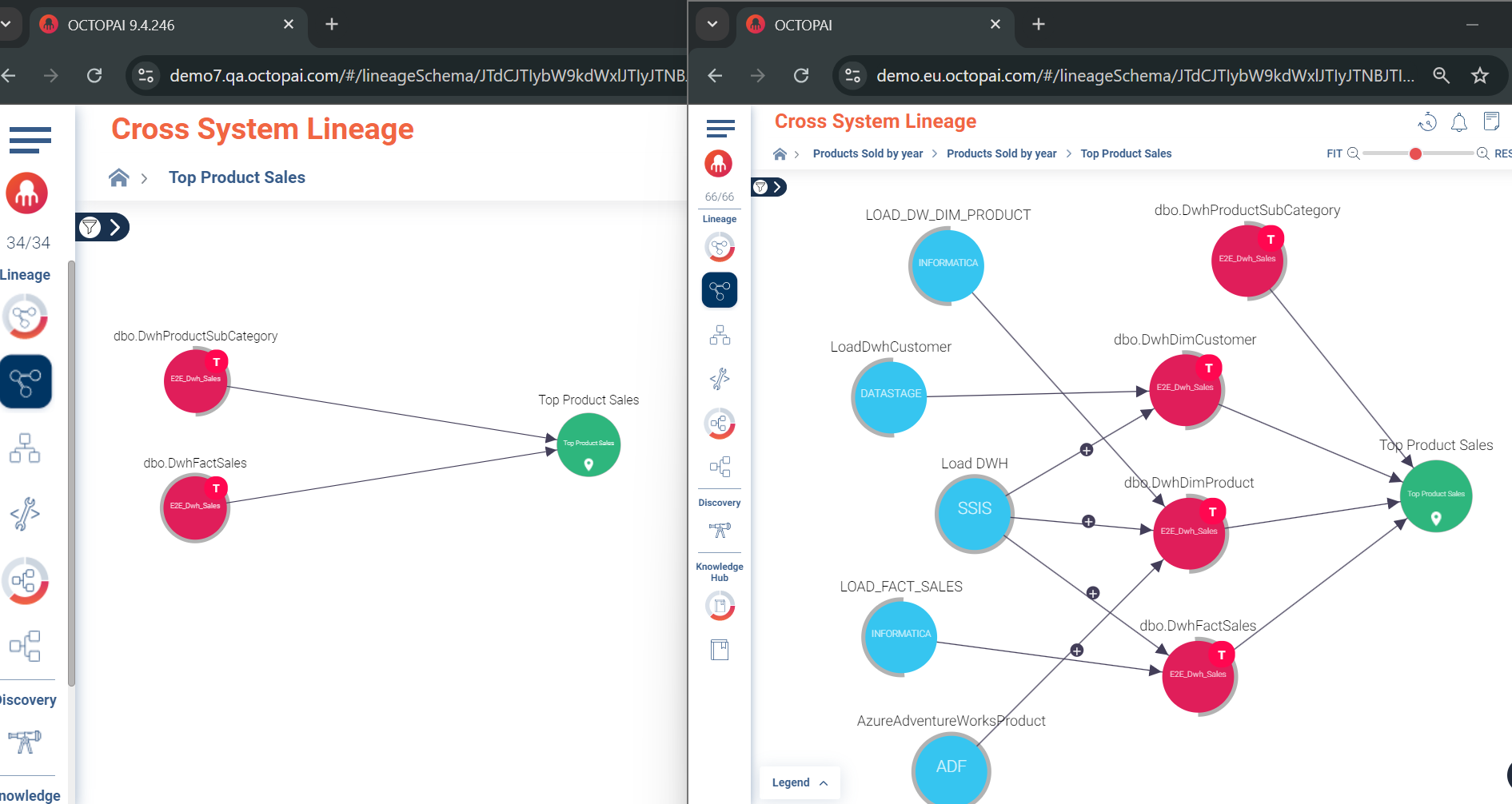
- Use Cloudera Data Lineage to simulate the change and understand its technical implications across environments.
- Ensure that the simulated impact is analysed for compliance risks, validating that the change adheres to governance policies.
- Create a regression test plan.
- Develop a test plan that covers all critical data flows impacted by the change.
- Validate that the test plan includes checks for compliance and data integrity.
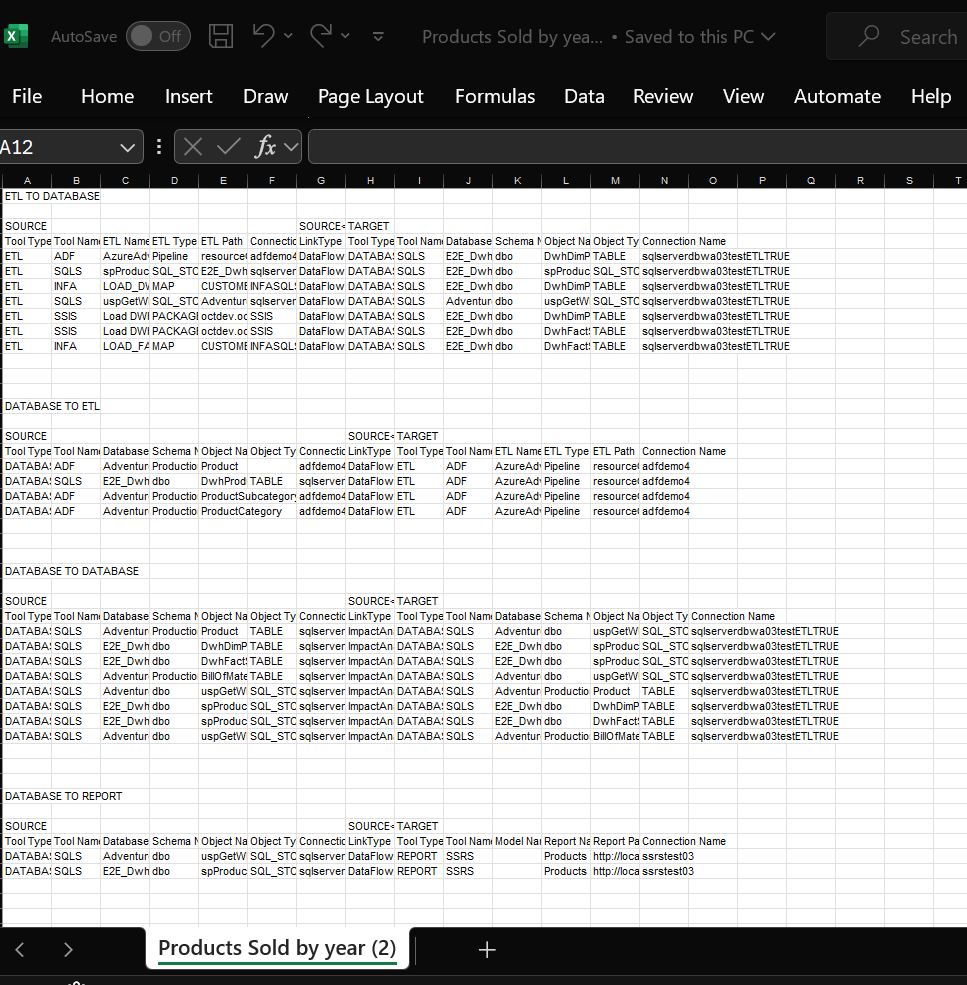
Use the Export of Cloudera Data Lineage E2E Column Lineage capability as a foundation for your test plan.
Troubleshooting in production
When a change leads to an issue in production, Cloudera Data Lineage helps both data developers and governance teams quickly identify and resolve the problem.
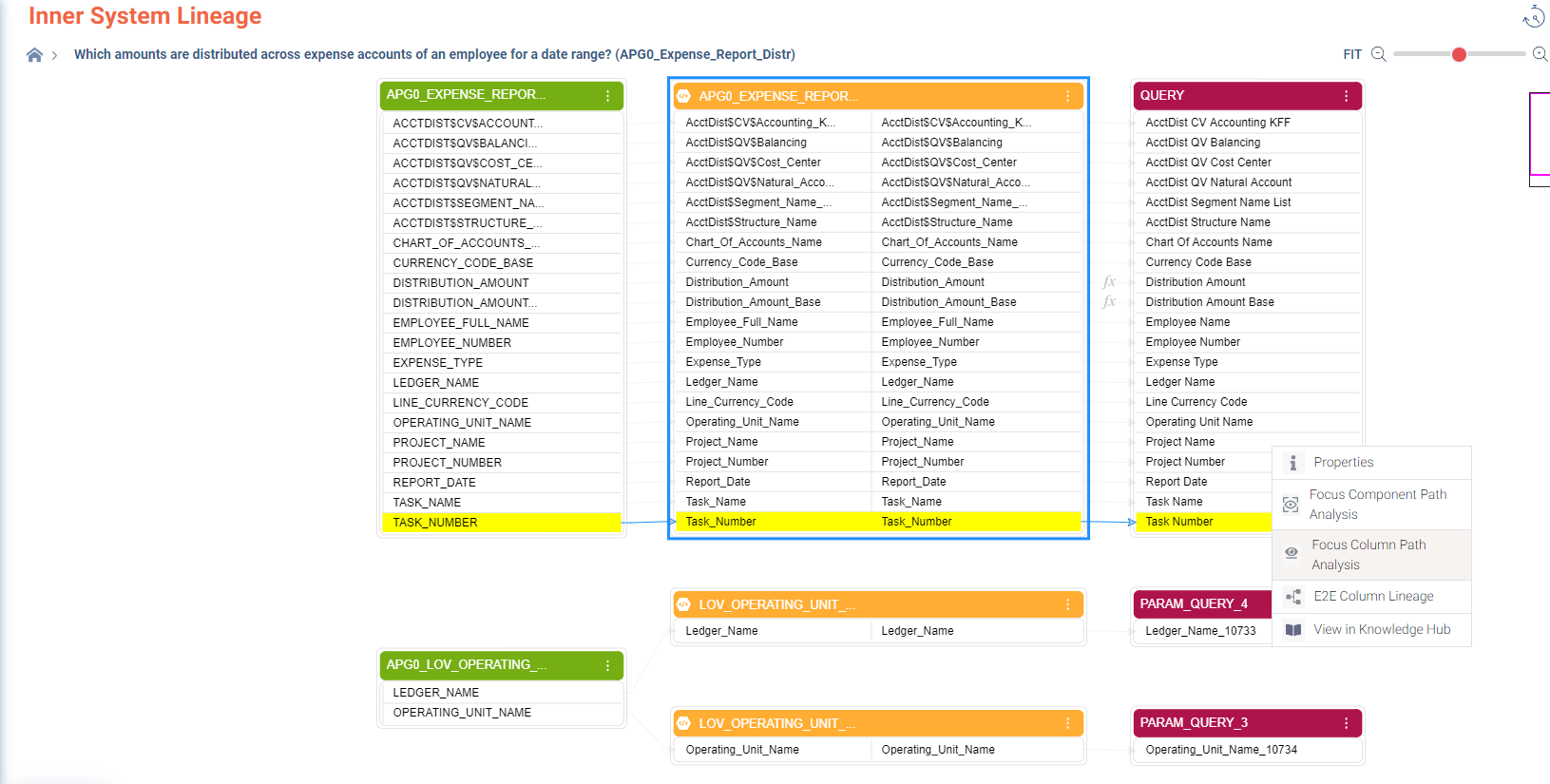
- Trace the issue back to its source within the data flow, identifying the root cause.
- Ensure that the resolution process aligns with governance standards, updating documentation as needed.
- Document the technical steps taken to resolve the issue.
- Update governance documentation to reflect the resolution and any changes to compliance processes.
