Configuring Proxy settings
Learn about configuring Proxy settings for the Octopai Client if your server's network is routed through a proxy tunnel.
You must upgrade your Octopai Client to the latest version before configuring the Proxy settings.
-
Update the following parameters for proxy configuration:
-
ProxyEnabled– Set totrueto enable or tofalseto disable the proxy option. -
ProxyAddress– Specify the address in the"http://YOUR_PROXY_NAME:PORT"format. -
ProxyUsername– Provide the Username. -
ProxyPassword– Provide the Password.
Figure 1. Example 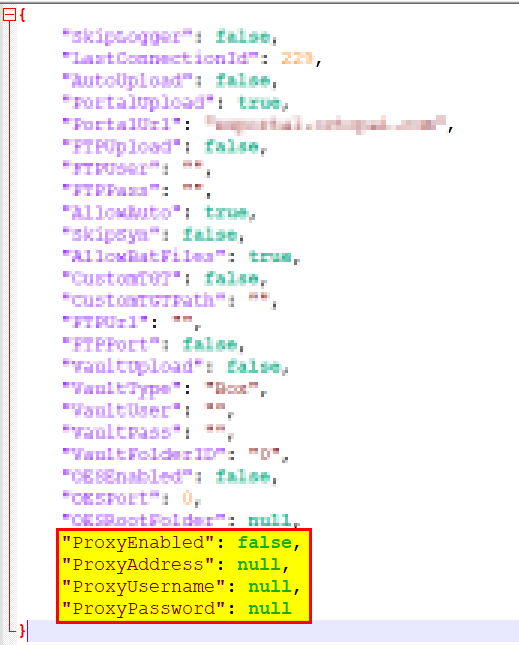
If you are upgrading your Octopai Client, these values will be added automatically to the PS file.
-
