Generating a comment for a query in Cloudera Data Explorer (Hue)

The Data Explorer SQL AI Assistant can generate a comment explaining what SQL query does. You can insert it into the query to improve readability.

  1. Log in to the Data Explorer (Hue) web interface.
  2. Insert a SQL query in the Data Explorer editor for which you want to generate a comment.
  3. Click Assistant on the Data Explorer (Hue) SQL editor:
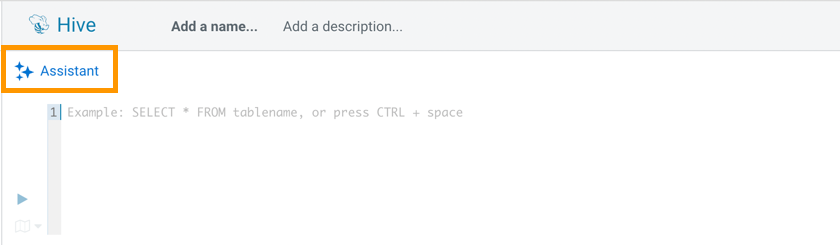
    Screenshot showing how to launch the SQL AI Assistant from the Data Explorer web interface.
  4. Click COMMENT.
    Screenshot showing how to use the SQL AI Assistant in Data Explorer to generate a comment for a SQL query.
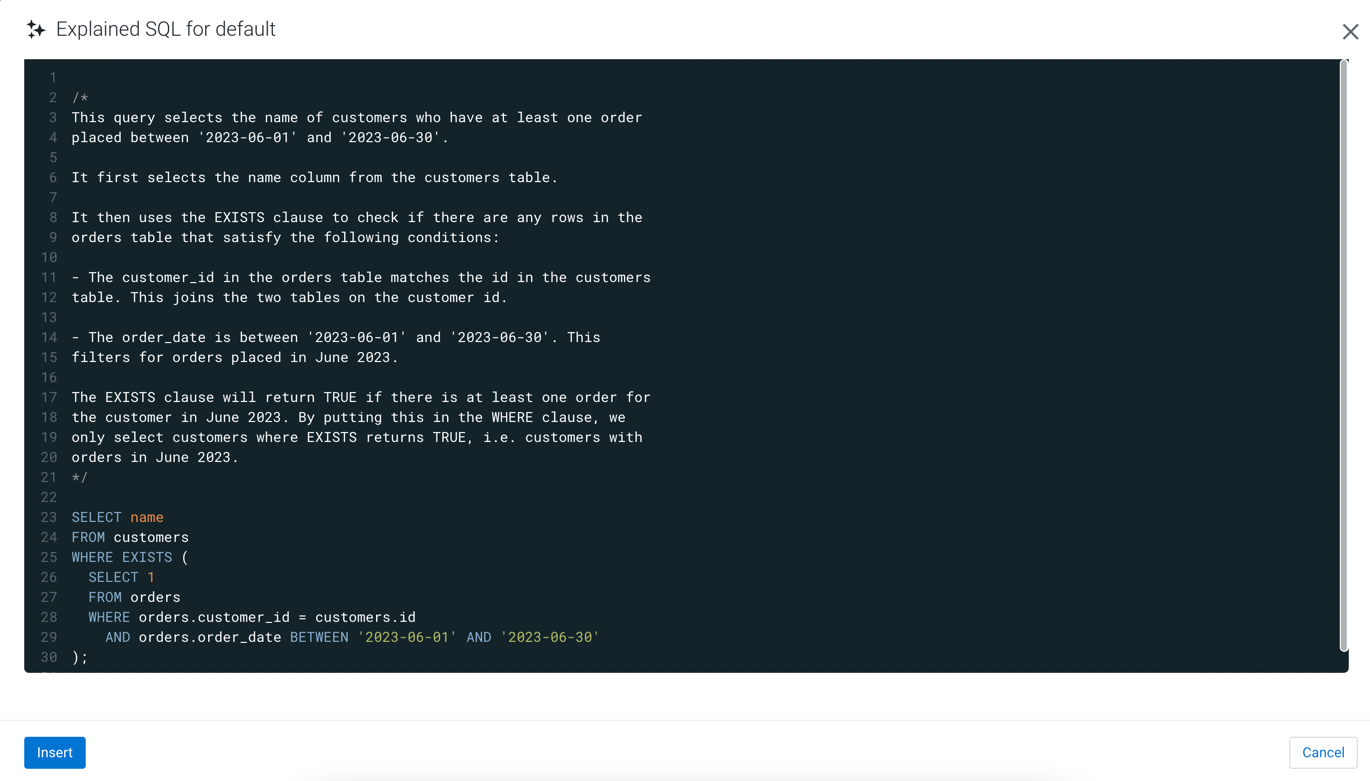
    The SQL AI Assistant generates a detailed comment for the input SQL query.
    Screenshot showing the comment generated for a SQL query by the SQL AI Assistant in Data Explorer.
    Click Insert to insert the comment into the query.