Generating SQL from natural language in Cloudera Data Explorer (Hue)
The SQL AI Assistant in Cloudera Data Warehouse helps you to generate SQL queries by entering a prompt in natural language. You can then insert the generated SQL in the Data Explorer SQL editor and run it as usual.
-
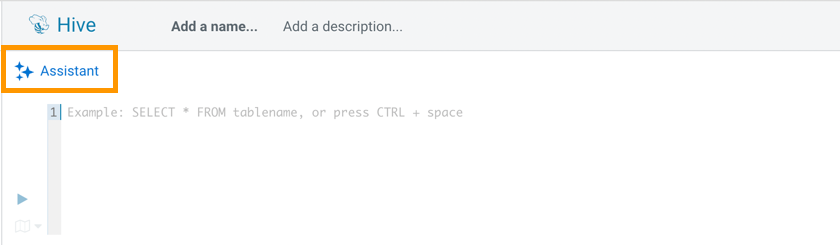
Click
 Assistant on the Data Explorer (Hue) SQL
editor:
Assistant on the Data Explorer (Hue) SQL
editor:
-
Click GENERATE.
 A SQL query is generated based on your input prompt. Click Insert to insert the query into the editor and run it.
