Configuring Hive Metastore as a REST Catalog
To use the API endpoints provided by REST Catalog, you need to enable it in the Hive Metastore where it is deployed.
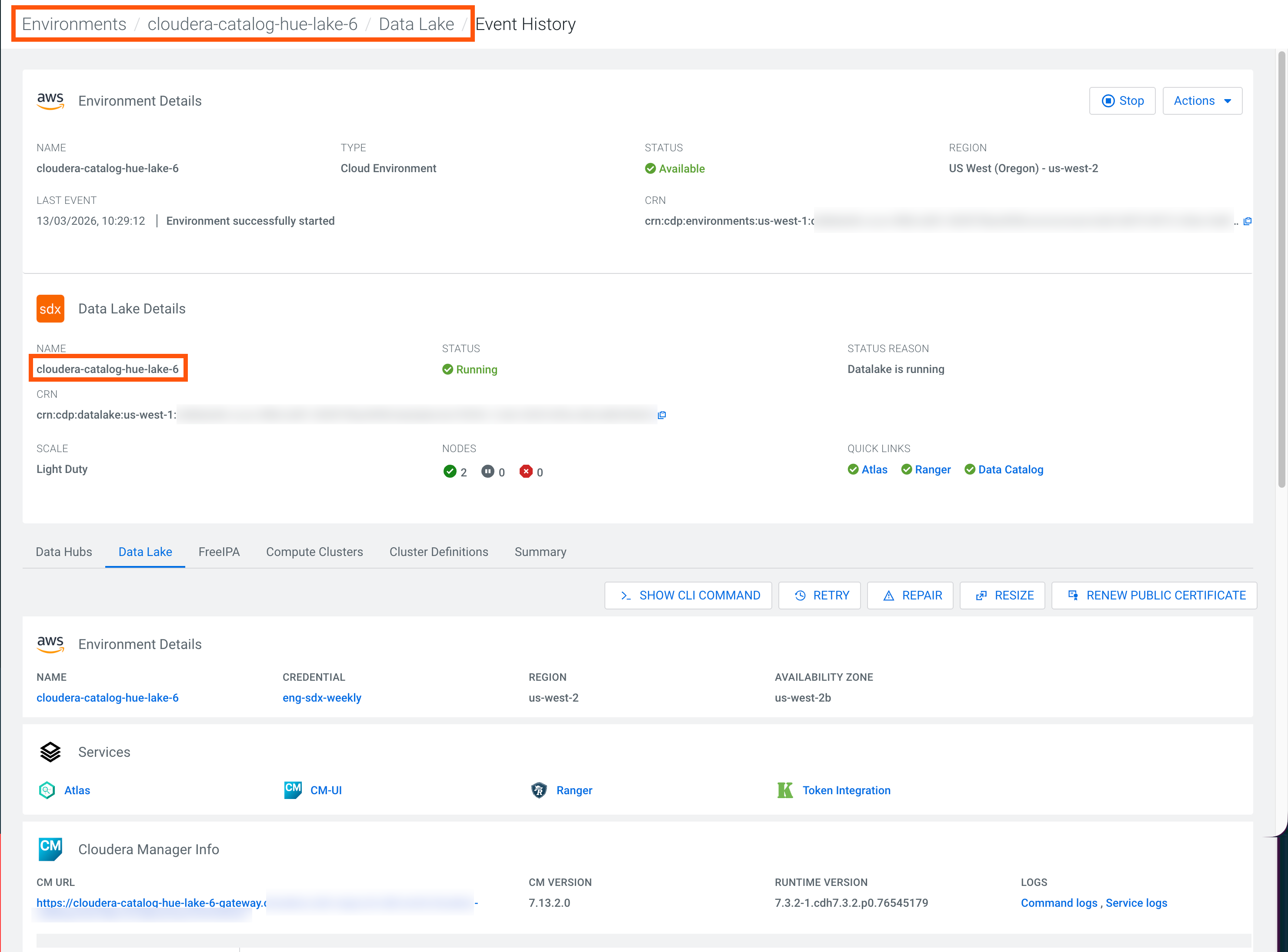
Ensure that your Cloudera Runtime is of 7.3.2 version or later in )
-
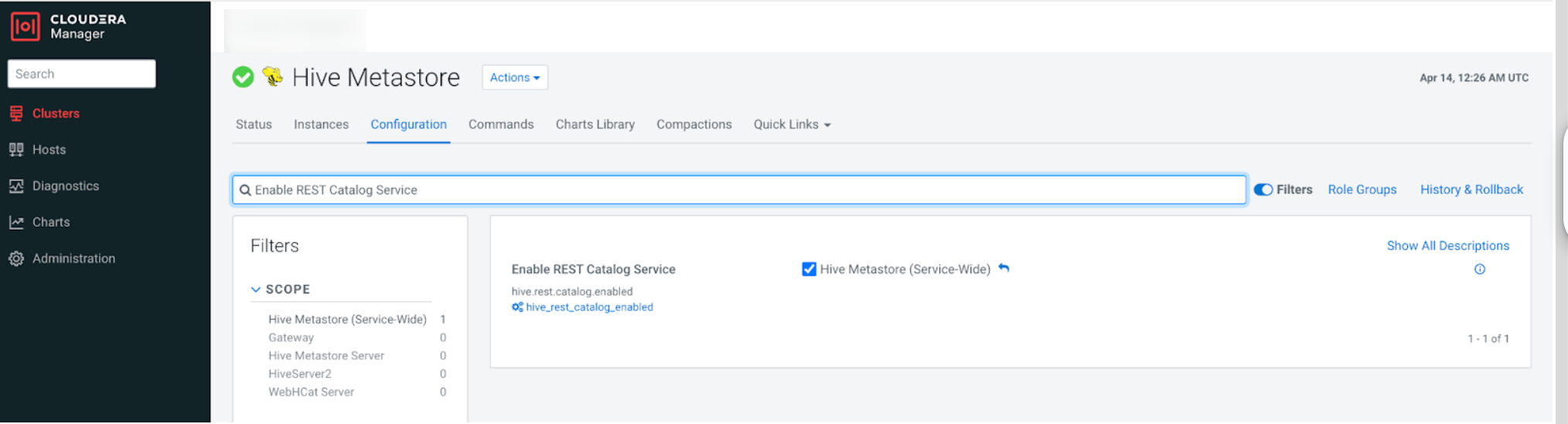
Search for Enable REST Catalog Service and enable it to
set up the REST Catalog Service in Hive Metastore.
-
If you use Cloudera Data Sharing with AWS Elastic MapReduce and
AWS Athena notebook, add the region of AWS environment to the Hive Metastore
configuration.
-
Check your region in .

-
Add a property with your region.
<property><name>client.region</name><value>[***CLIENT_REGION_NAME***]</value></property>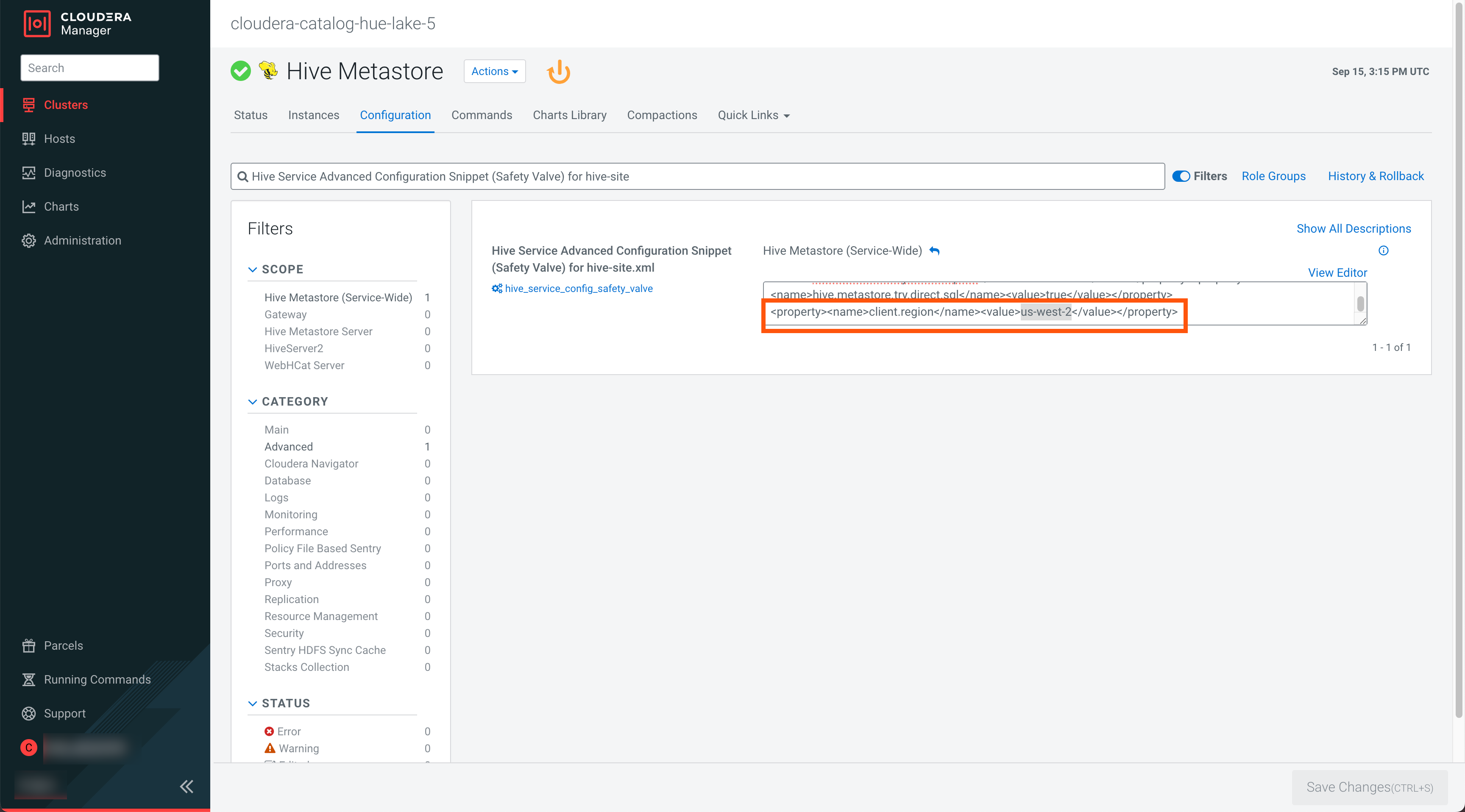
-
Check your region in .
-
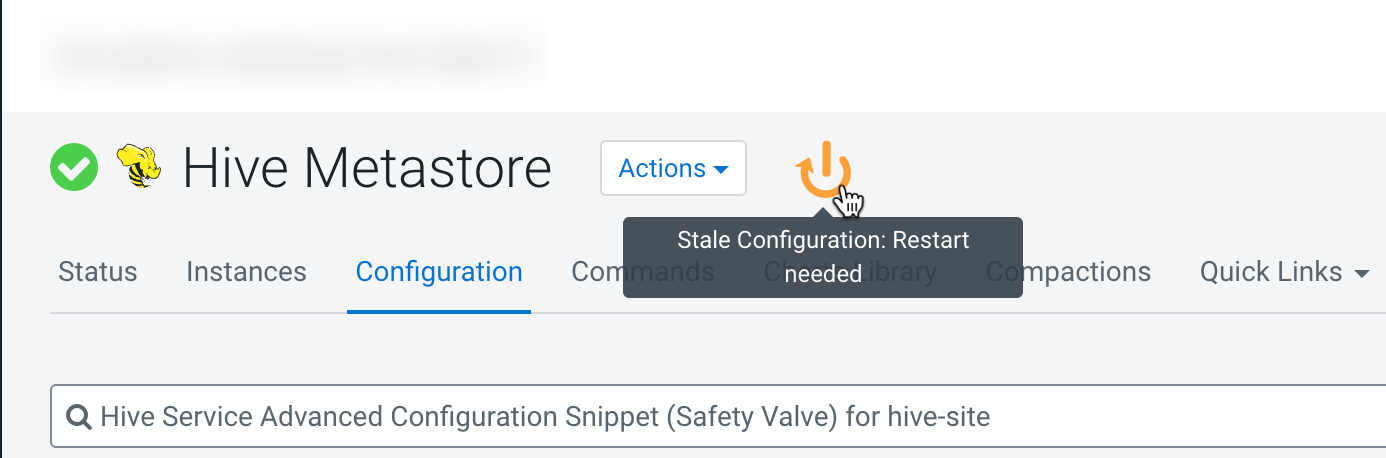
Save the changes and restart the Hive Metastore service.
Continue with Editing the Knox topologies.
