Configuring the Knox IDBroker for Ozone S3 environments
Configure the Knox IDBroker STS endpoint, session policy, and AWS user mapping to vend temporary Ozone S3 credentials to external clients.
For Cloudera Object Store (powered by Apache Ozone) environments, you must manually configure the IDBroker STS endpoint, session policy, and AWS user mapping. Complete this procedure after Installing the Knox IDBroker.
The sts-assume-role role must already exist in Ranger and be granted read access to the shared Ozone volume, bucket, and key resources, as described in Creating the Ranger role for Ozone STS.
-
Enter the S3-compatible storage credential access key alias, click
Save Changes, and then run .
Figure 1. Save Alias Command Input - IDBroker property 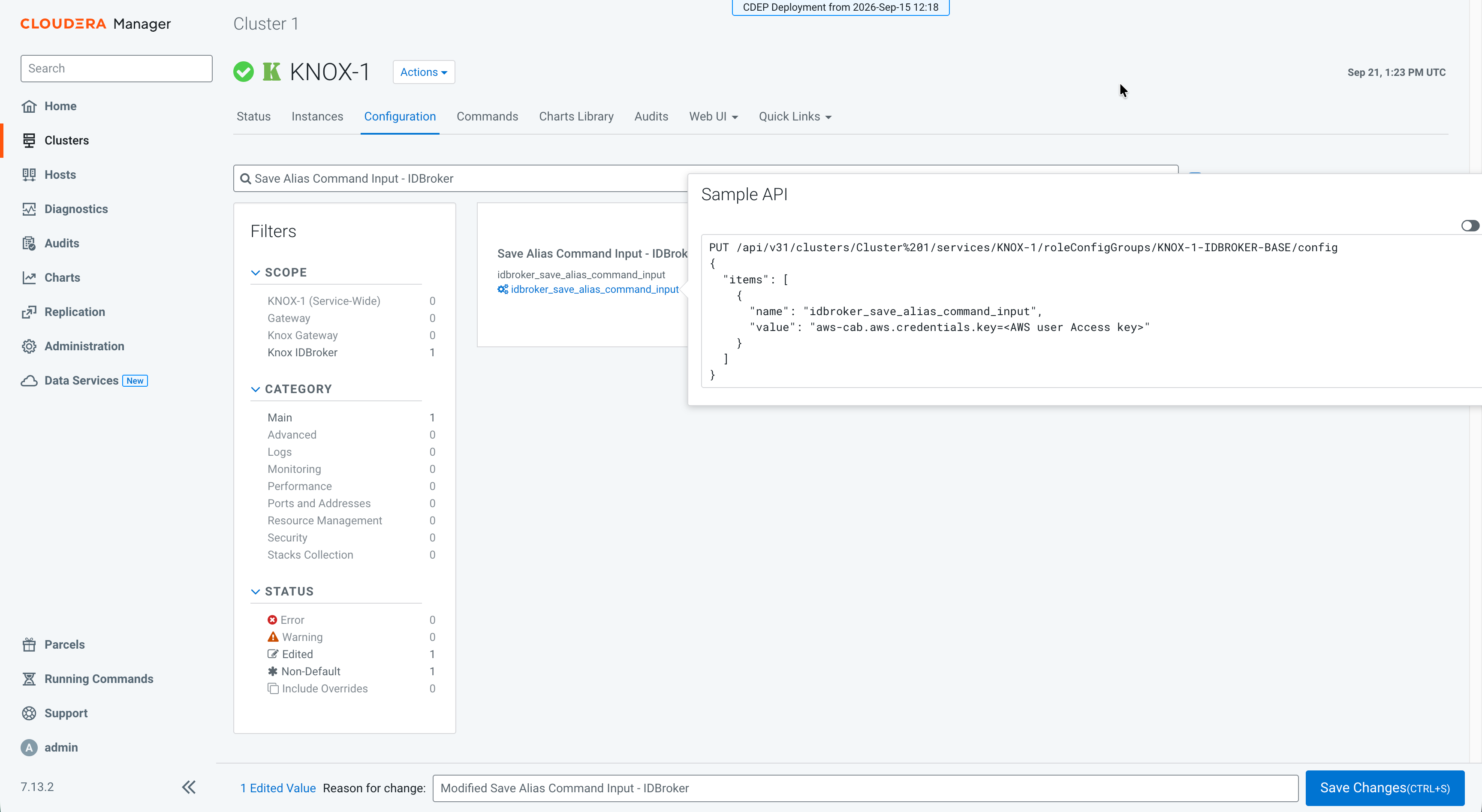
aws-cab.aws.credentials.key=[***OZONE_S3_ACCESS_KEY***] -
Search for Save Alias Command Input - IDBroker again,
enter the S3-compatible storage credential secret access key alias, click
Save Changes, and then run again.
Figure 2. Save Alias - IDBroker action 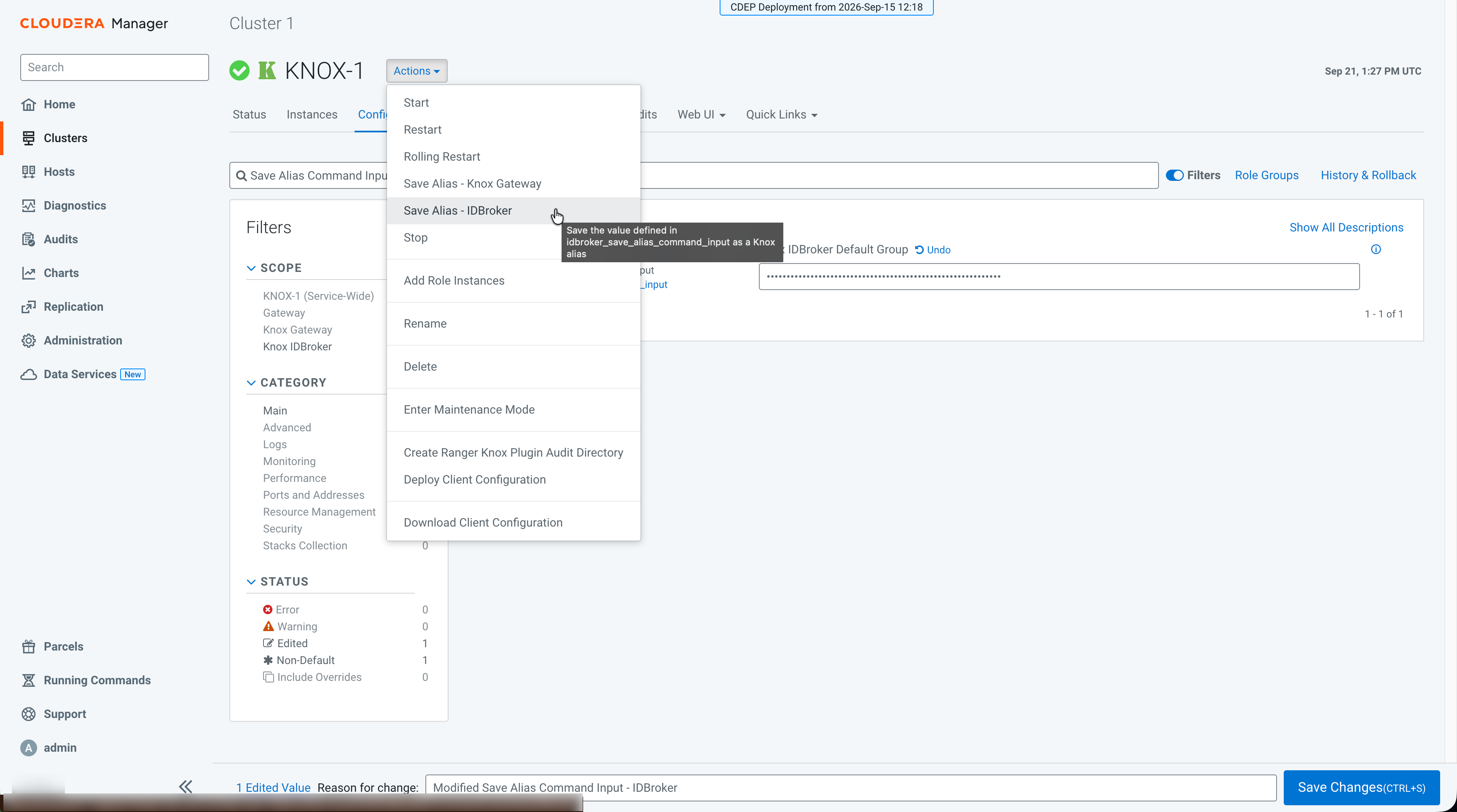
aws-cab.aws.credentials.secret=[***OZONE_S3_SECRET_KEY***] -
Add the read-only session IDBroker policy template to the Knox
IDBroker Advanced Configuration Snippet (Safety Valve) for
conf/cdp-resources.xml:
Figure 3. Read-only session policy template 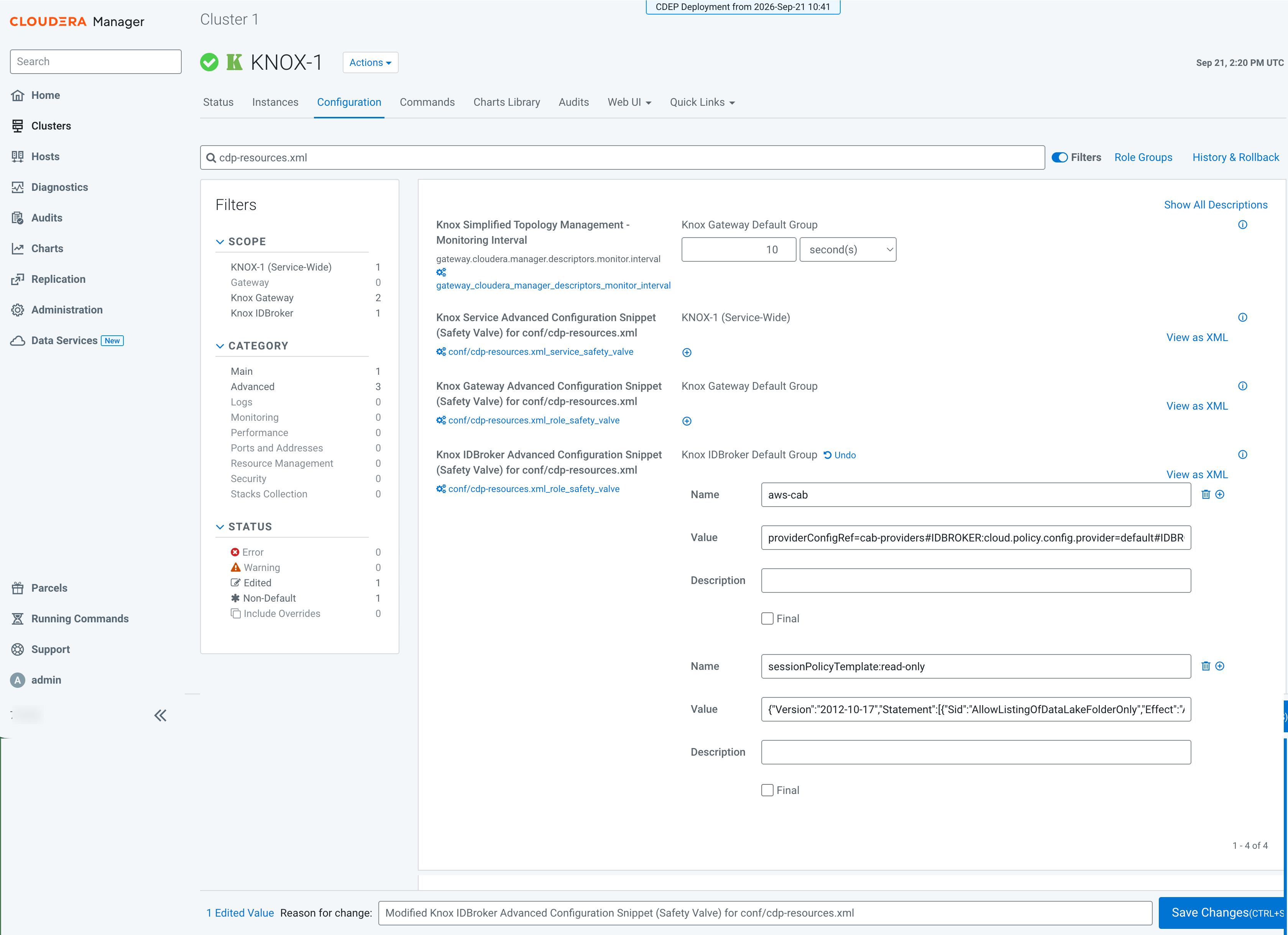
- Name:
sessionPolicyTemplate:read-only - Value:
{"Version":"2012-10-17","Statement":[{"Sid":"AllowListingOfDataLakeFolderOnly","Effect":"Allow","Action":["s3:List*"],"Resource":"arn:aws:s3:::${bucket}","Condition":{"StringEquals":{"s3:prefix":["${prefix}","${prefix}/"]}}},{"Sid":"AllowAccessToDataLakeFolder","Effect":"Allow","Action":["s3:Get"],"Resource":"arn:aws:s3:::${bucket}/${prefix}/*"}]}
- Name:
Continue with Declaring Knox topologies for on premises Data Sharing.
