Changing the field display format
Cloudera Data Visualization lets you configure the display format of each field at the dataset level.
-
In the World Life Expectancy dataset, click .
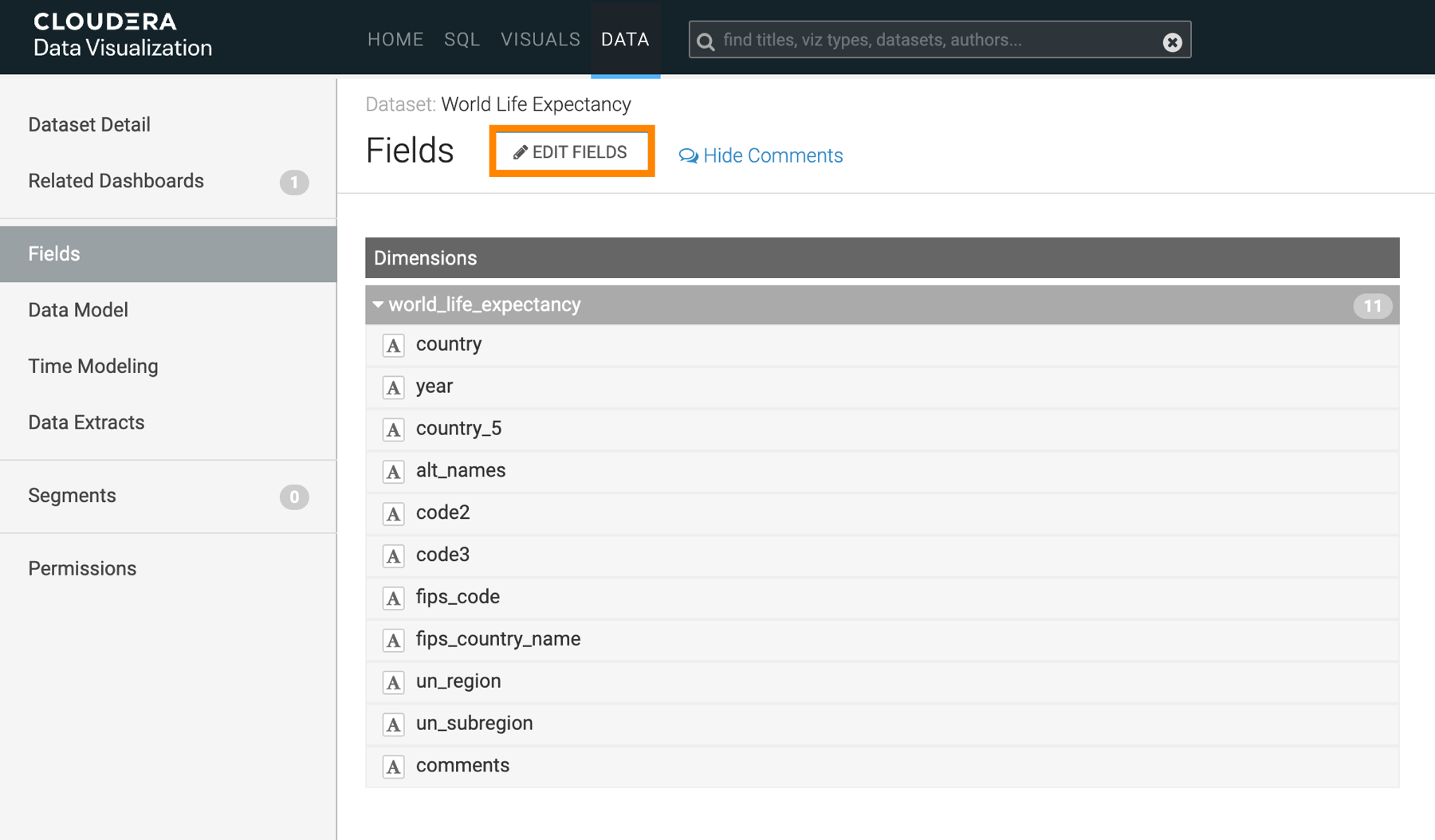
This action adds an edit option (
 ) to each dataset field row.
 -
Under Measures, find the field
gdp_per_capitaand click the
icon on its right side.
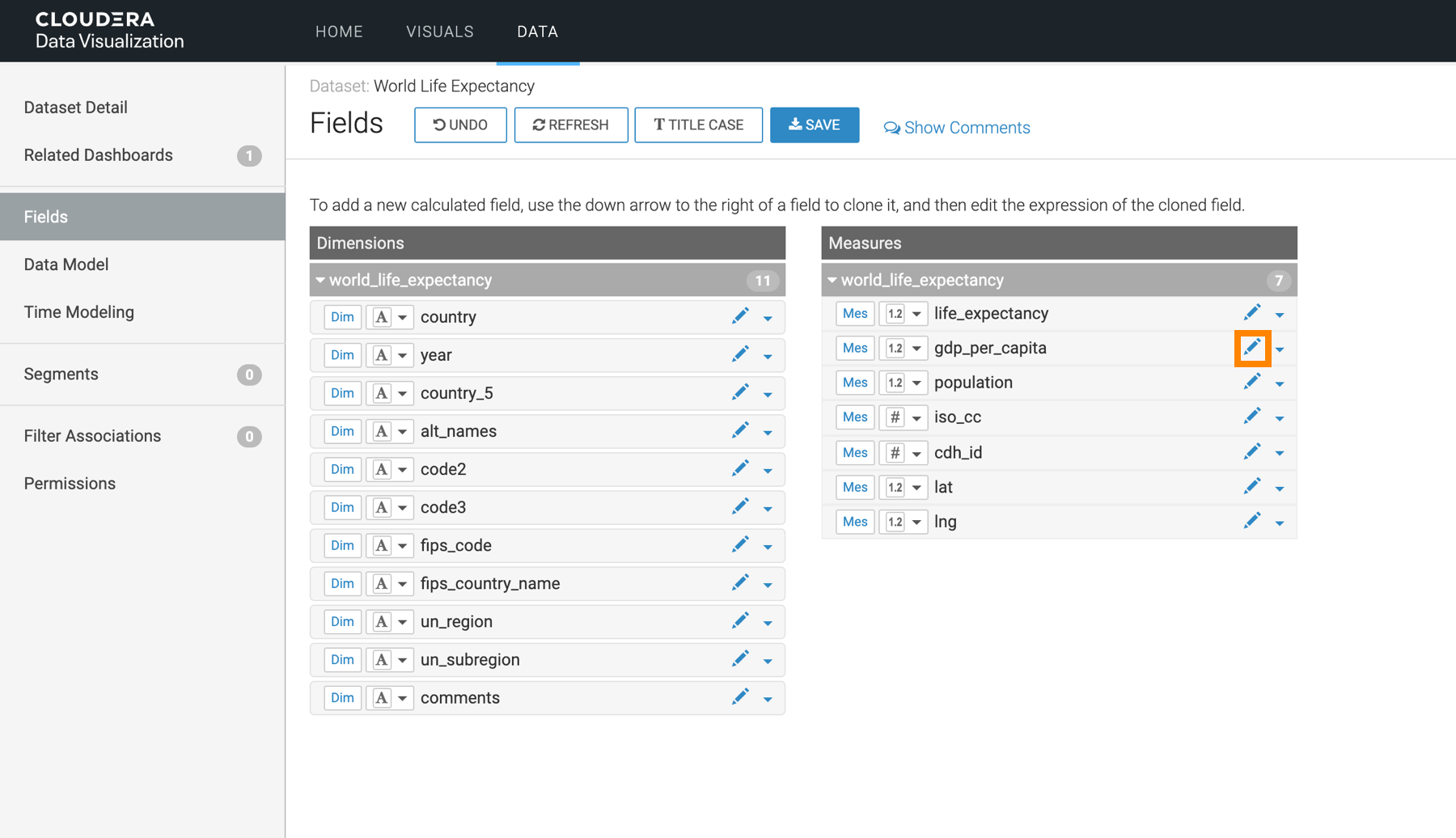
The Edit Field Parameters modal opens.
