Cloudera AI Registry upgrade
Cloudera AI Registry can be upgraded in place using Helm Upgrade on the existing release within the same namespace in Cloudera AI 1.5.5 SP3 and higher releases.
In-place upgrade preserves all Kubernetes resources, including ClusterResourcePlacement (CRP), the namespace, Persistent Volume Claims (PVCs), StatefulSets, and Secrets. As a result, upgrading Cloudera AI Registry takes only a few minutes, no longer than 15 minutes.
-
The Cloudera AI Registry upgrade was successful.
-
The Cloudera AI Registry upgrade failed, but the automated Helm rollback to the origins version of the Cloudera AI Registry was successful.
-
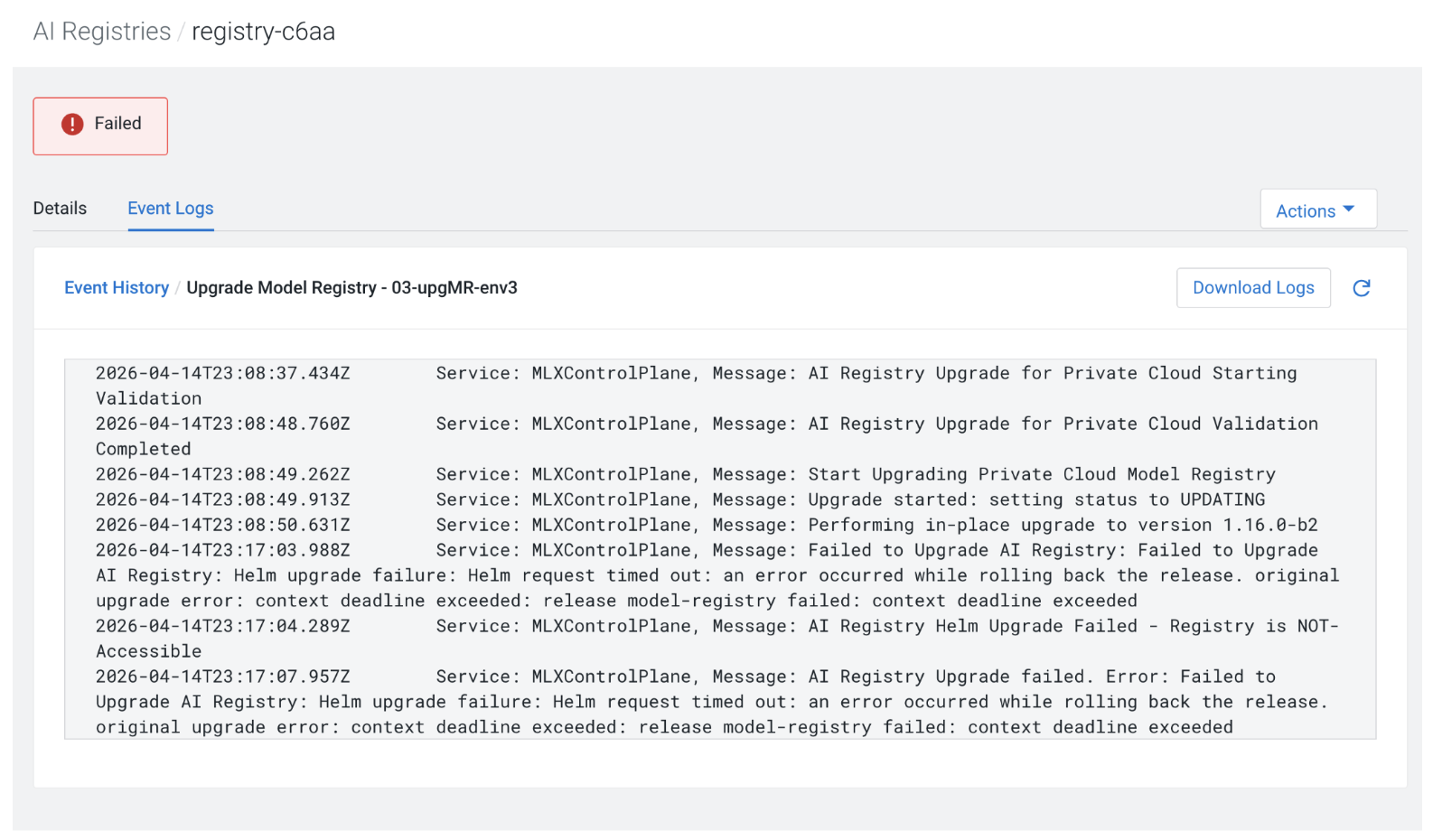
Both the Cloudera AI Registry upgrade and the rollback to the original version of the Cloudera AI Registry failed.
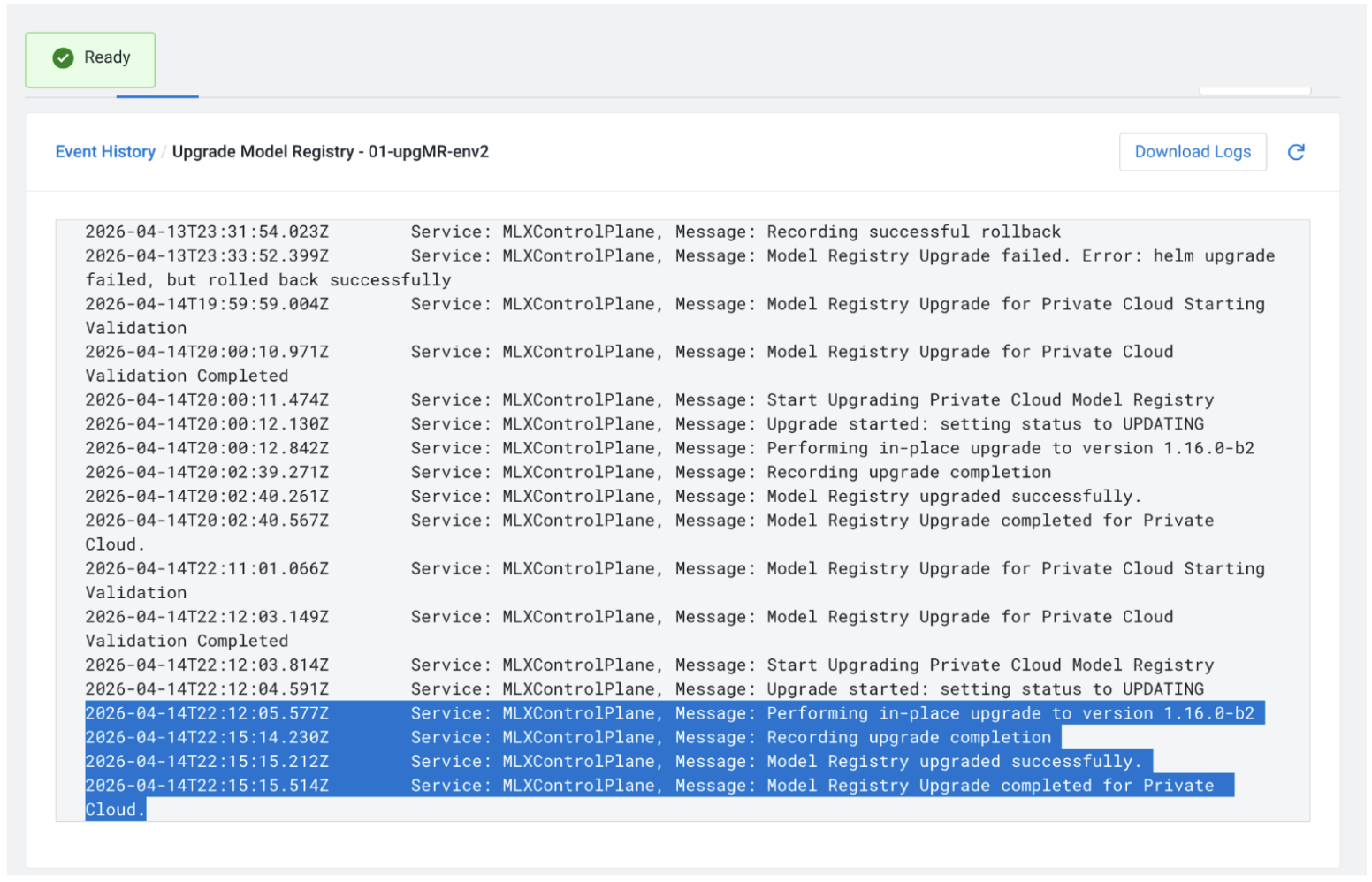
Cloudera AI Registry upgrade was successful
If the Cloudera AI Registry in-place upgrade was successful, the
status of Cloudera AI Registry is set to Ready. The
Cloudera AI Registry has the same name and namespace, but a higher
version of the Cloudera AI Registry. You can check the details of the
Cloudera AI Registry upgrade in the Event Logs
tab of the Cloudera AI Registry page:
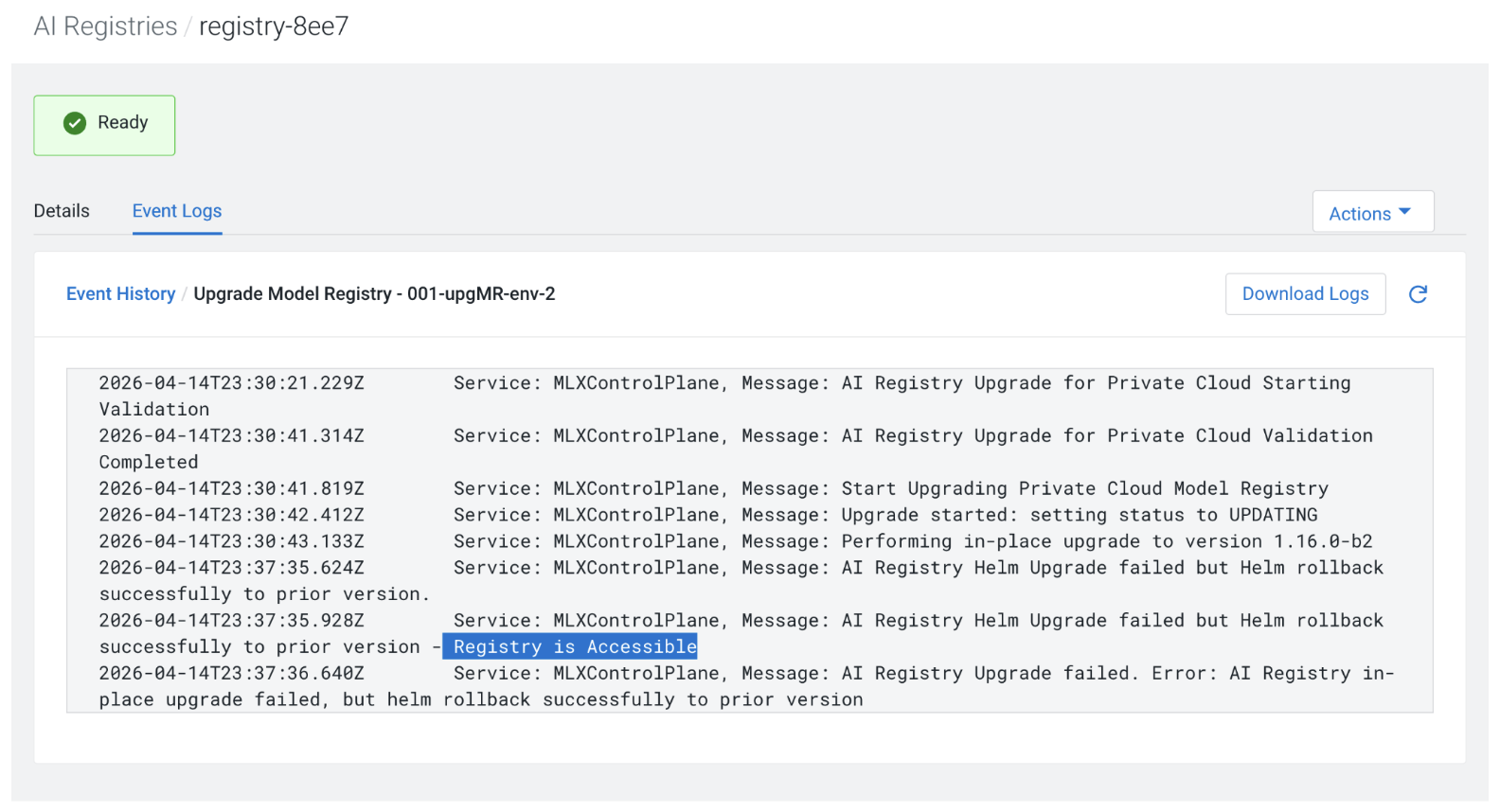
Cloudera AI Registry upgrade failed but the automated Helm rollback was successful
If the in‑place upgrade fails, Helm automatically rolls back to the previous chart version.
In this case, the Cloudera AI Registry retains the version it had
before the upgrade, and its status returns to Ready, indicating that it is
available for another upgrade attempt. To determine why the upgrade failed, review the event
logs on the Event Logs tab of the Cloudera AI Registry Details Page.
Cloudera AI Registry upgrade failed and the rollback also failed
If both the Cloudera AI Registry in-place upgrade and the subsequent
rollback failed, the status of Cloudera AI Registry is
Failed and the version of the Cloudera AI Registry
has not been upgraded. In this case, contact Cloudera Support.