Enabling default Compute Cluster for new environments
When creating your environment, you can enable the default Compute Cluster using the Cloudera Management Console or CDP CLI to be able to run your data and shared
services on the containerized platform.
Required role:EnvironmentAdmin
Before you begin
Ensure that the
ENABLE_COMPUTE_CLUSTER entitlement is enabled for your account. Without
this entitlement, the Compute Clusters tab is not displayed and you
cannot create Compute Clusters. Contact your
account team to request it.
Ensure that your AWS account has all the resources required by Cloudera.
When creating your environment in Cloudera Management Console, ensure that you use the Enable Compute
Cluster setting to create the Compute Cluster enabled
environment.After completing the step for Data Access and Data Lake
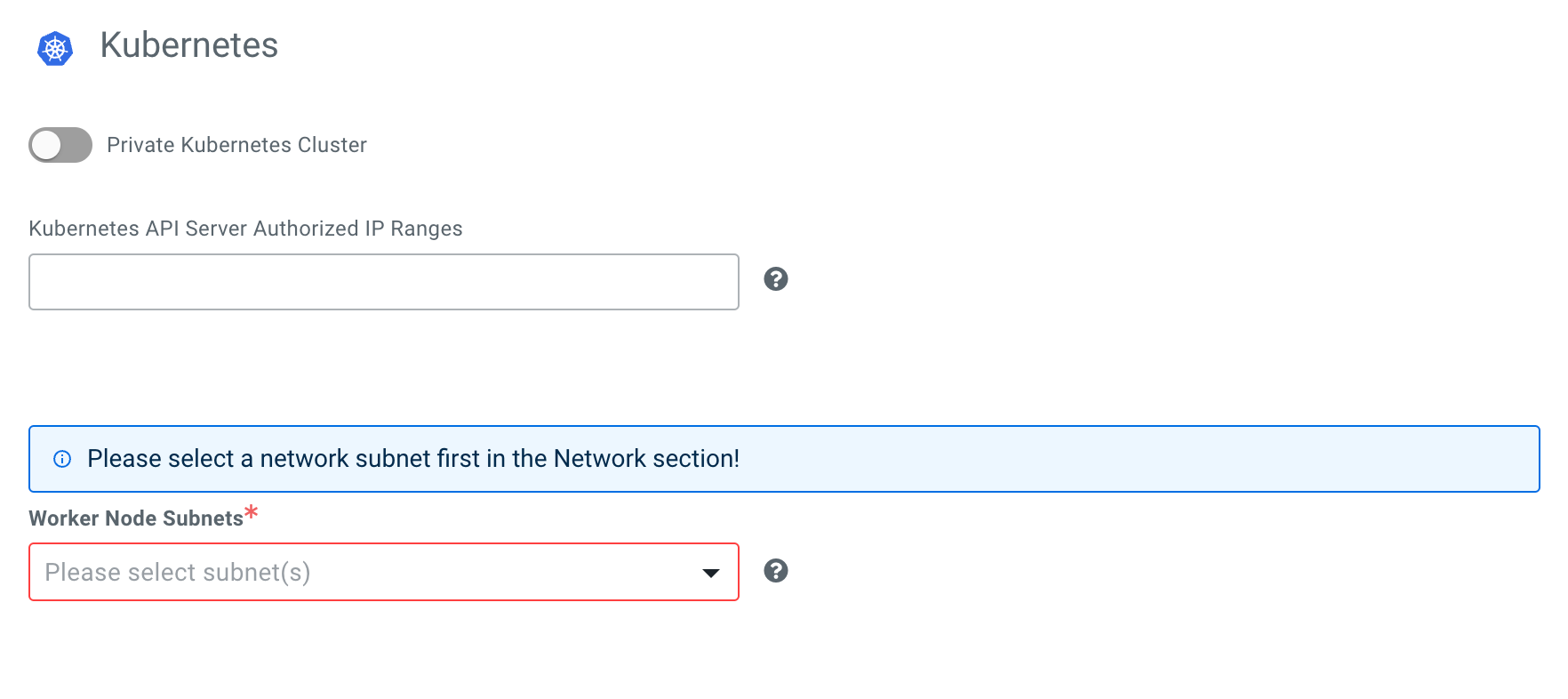
Scaling, configure the networking settings for Kubernetes with either
selecting the Private Kubernetes Cluster or providing
Authorized IP Ranges on the Region, Networking
and Security page. Worker Node Subnets are
automatically pre-filled with the same set of subnets provided in
Network section, but you have the option to not use all of
the available subnets.For more information about creating your environment, see the Register environment (UI)
documentation.
Using CDP CLI
Run the following command to create the Compute Cluster enabled environment: