Configuring Ozone STS for on premises Data Sharing
Enable the Ozone Security Token Service (STS) and Ranger action-matcher support so that REST Catalog can vend temporary Ozone S3 credentials for on premises Data Sharing.
Data sharing on Cloudera Object Store (powered by Apache Ozone) storage requires Ozone to
issue AWS STS-compatible, short-lived credentials (AssumeRole) that
the Knox IDBroker exchanges for external clients. This configuration applies only
when the data being shared is stored on Ozone S3 in a Cloudera on premises deployment.
- Complete Configuring Hive Metastore as a REST Catalog for Ozone storage, including the Ozone safety-valve properties.
- Complete Installing the Metering V2 Service.
- If Metering V2 is TLS-enabled, import the Metering V2 certificate authority (metering-scm-ca) into the Hive Metastore truststore.
- Ranger and Ozone must support the
ASSUME_ROLEaccess type and inline-policy grants. This is available in Cloudera Runtime 7.3.2.20000 and later service packs. - Ozone STS and the Ranger action-matcher condition for Ozone service definitions must be available in your build.
-
Enable the S3 STS (AssumeRole) feature.
A single Cloudera Manager setting turns on both the Ozone STS feature flag (
ozone.s3g.sts.http.enabled) and the Ranger action-matcher condition for Ozone service definitions (ranger.servicedef.ozone.enableActionMatcherInPoliciesCondition) at the same time. The action-matcher condition lets Ranger evaluate theASSUME_ROLEaccess type when the Ozone S3 Gateway requests a session policy during STS token generation.-
Select Enable S3 STS (AssumeRole), then click
Save Changes.
Figure 1. Enable S3 STS (AssumeRole) in Ozone configuration 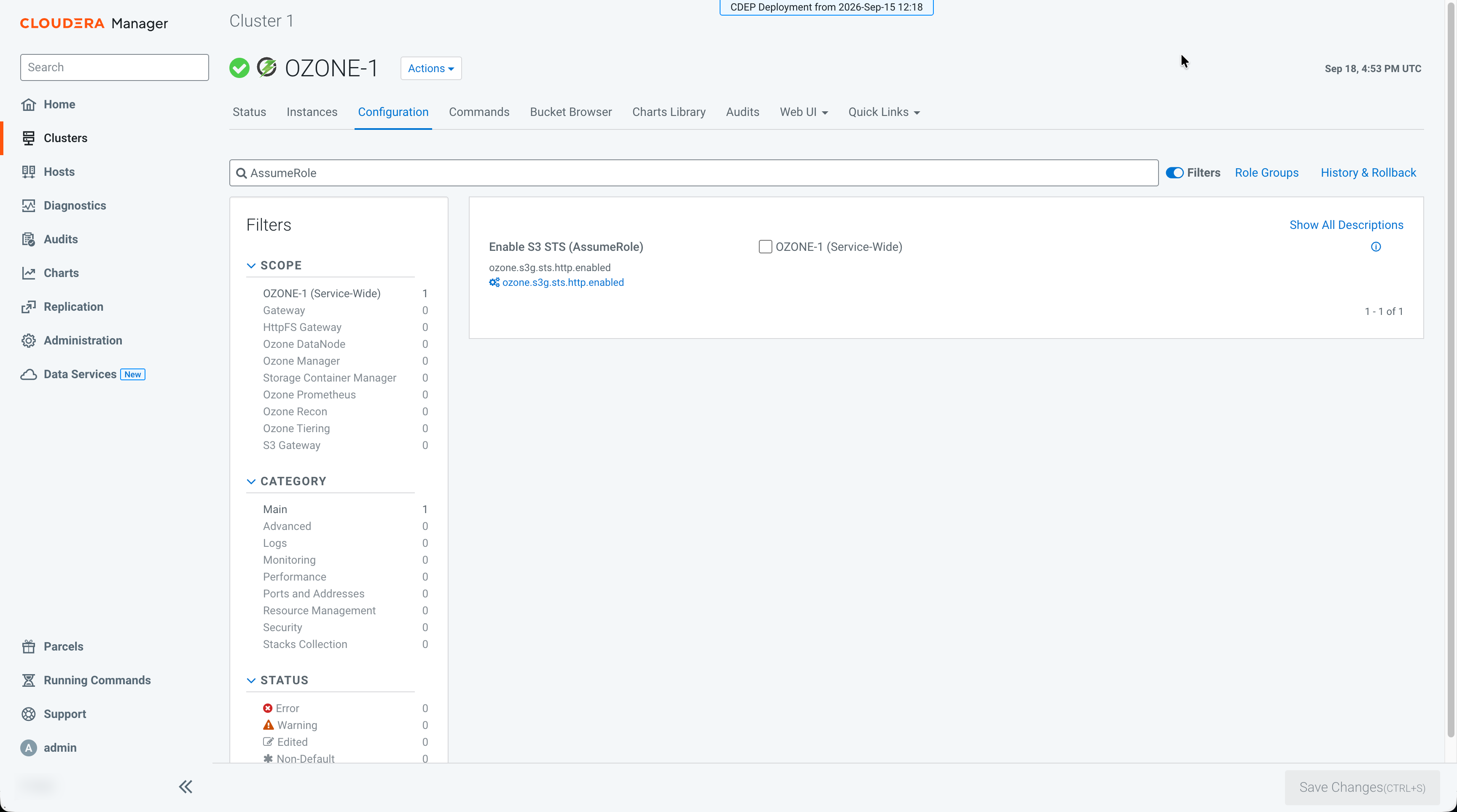
-
Wait about 30 seconds until the stale configuration indicator appears
next to the Actions dropdown, and then click the
Stale Configuration: Restart needed
icon.
Figure 2. Stale configuration restart needed after enabling AssumeRole 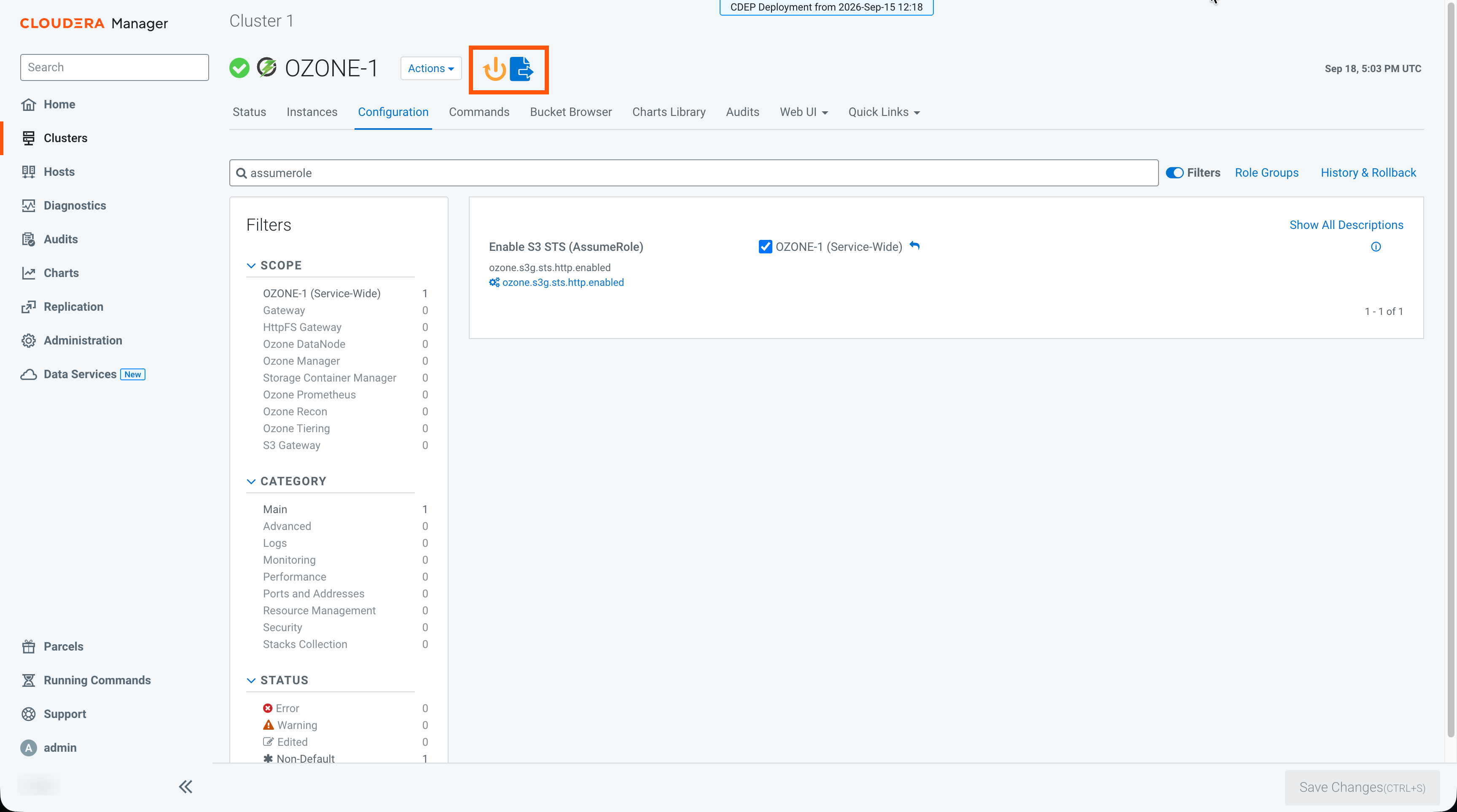
-
Select Enable S3 STS (AssumeRole), then click
Save Changes.
REST Catalog can now vend temporary Ozone S3 credentials to external clients. For a
table stored on Ozone, the /credentials response returns an
s3.endpoint for the Ozone S3 Gateway and temporary
s3.access-key-id, s3.secret-access-key, and
s3.session-token values. Clients use those credentials against
the gateway; the vended storage path prefix is s3a:// and matches
the translated Ozone link bucket name, not the original ofs://
table location. For a working example, see Supported REST Catalog APIs for accessing the
data.
Continue with Creating the Ranger role for Ozone STS.
