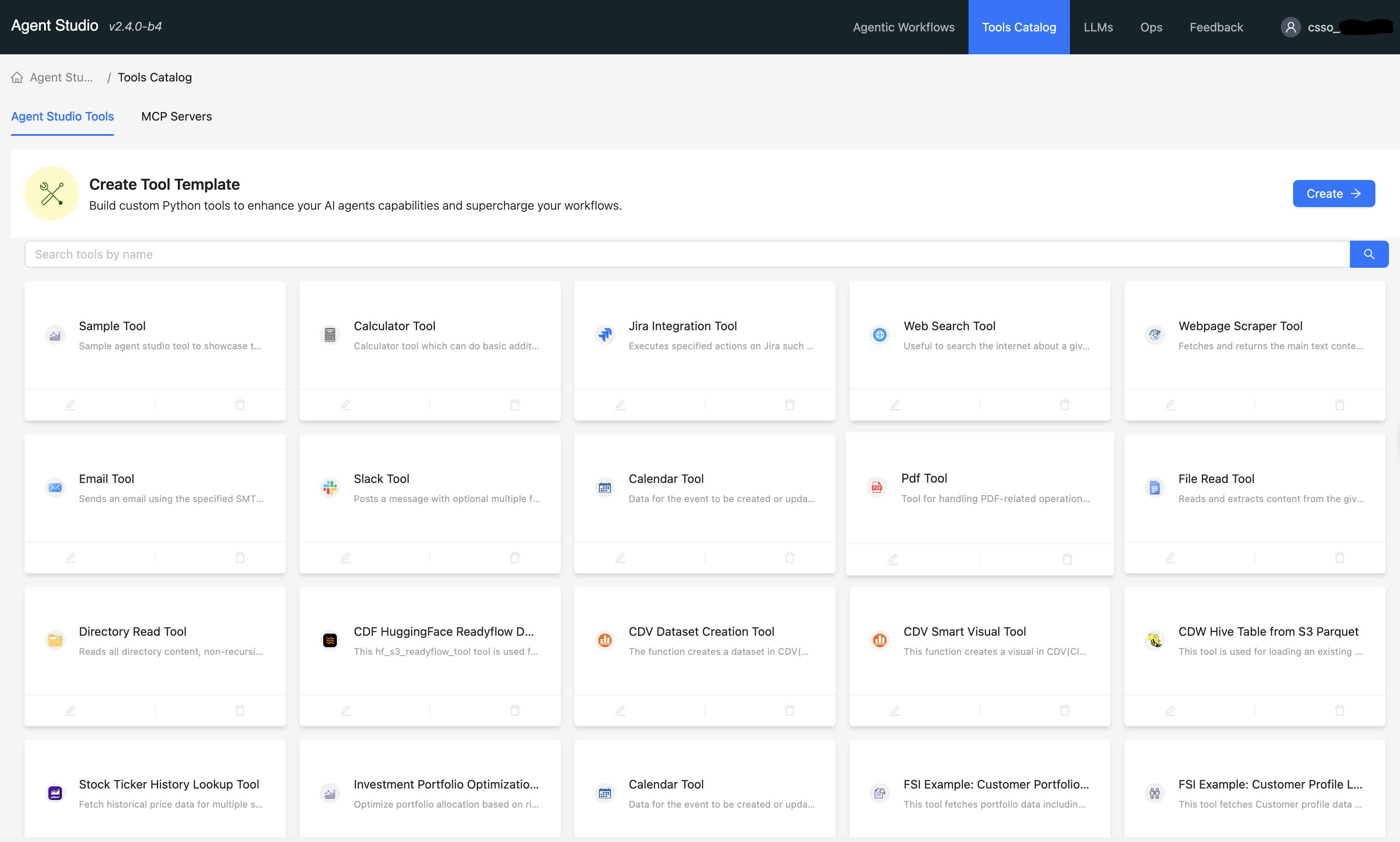
Using inbuilt tools
Use inbuilt tools in Agent Studio as the foundational building blocks for AI agents and workflows to interact with external systems, such as databases and APIs, and perform tasks that are beyond standard LLM capabilities.
- In the Cloudera console, click the Cloudera AI tile.
The Cloudera AI Home page is displayed.
- Click on the name of the workbench.
The Cloudera AI Workbench Home page is displayed.
- In the left navigation pane, click AI Studios.
- On the Agent
Studio tile, click
Open.
The Agent Studio window is displayed.
- Go
to Tools Catalog in the
Agent
Studio window.
The Tools Catalog window is displayed.