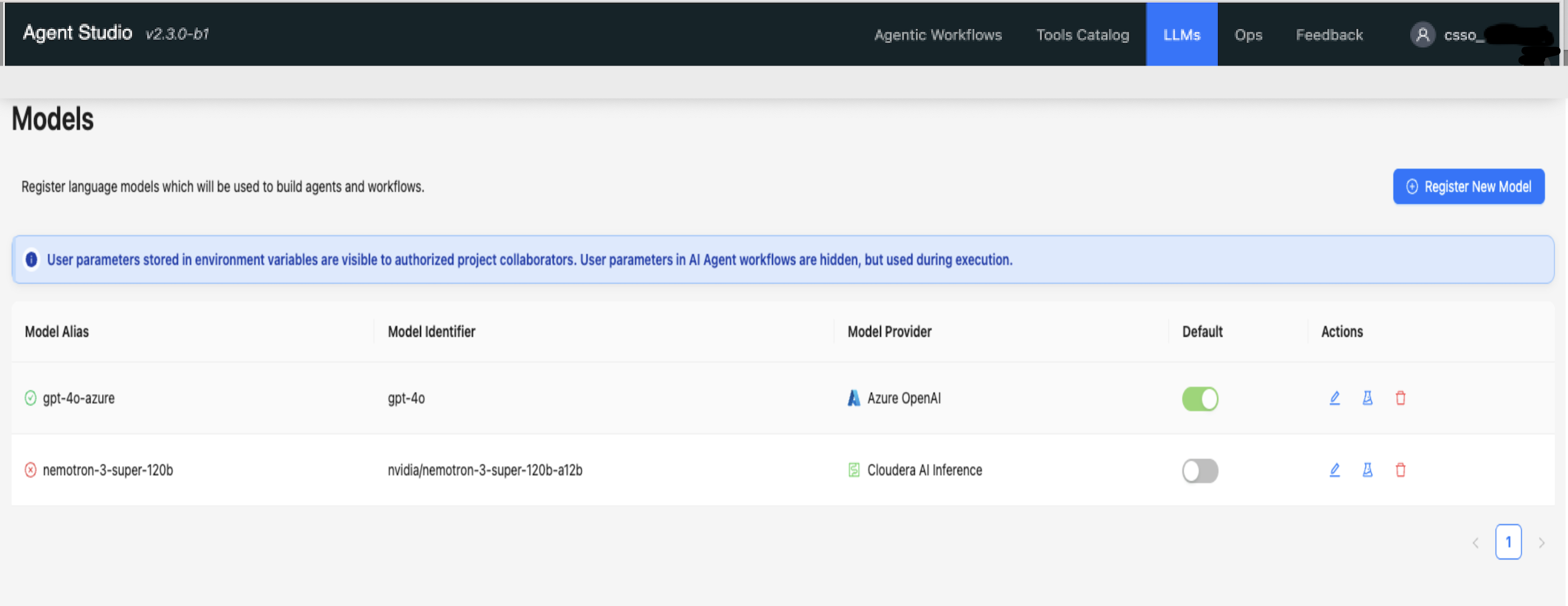
Manage Large Language Models (LLMs) in Agent Studio by registering new models, editing
existing models, validating model configurations, and deleting registered
models.
Use the LLMs tab in Agent Studio to configure the AI models for
your agents. Agent Studio automatically sets the first model you configure as the
default. You can register additional models or change the default model at any time.Figure 1. LLMs tab in Agent Studio