Configuring the Knox gateway-site.xml
Configure the Knox per-user token limit in Cloudera Manager for Data Sharing. Knox
and Ranger Admin permissions are required to create CLIENT_ID and
CLIENT_SECRET.
The CLIENT_ID and CLIENT_SECRET are required for
creating Data Shares to authorize your external clients. These credentials are
exchanged for temporary access tokens.
- The Cloudera on cloud user must have both Knox and
Ranger Admin privileges to perform the tasks required to configure Knox
parameters.For more information on setting the Ranger admin, see:
- Knox topologies are automatically deployed. Editing the token lifetime (using
the
KNOXTOKEN:knox.token.ttlproperty) and the token allowance per user (using theKNOXTOKEN:knox.token.limit.per.userproperty) is applicable to all topologies, but can be overridden by individual topology settings.
-
Search for the
gateway.knox.token.limit.per.userproperty, and enter the desired limit.Figure 1. Knox token limit settings 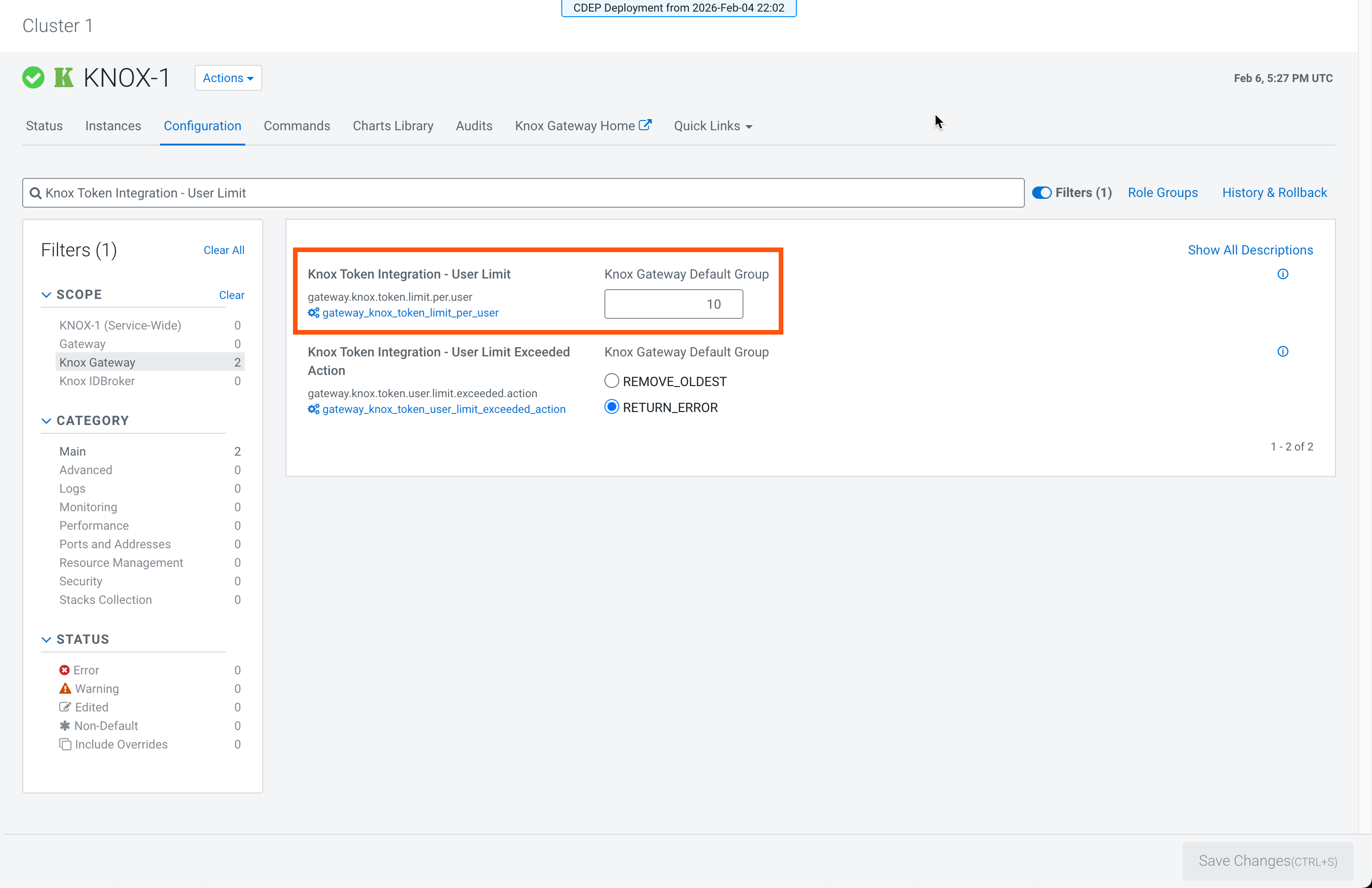
-
Click Save Changes and restart the Knox service.
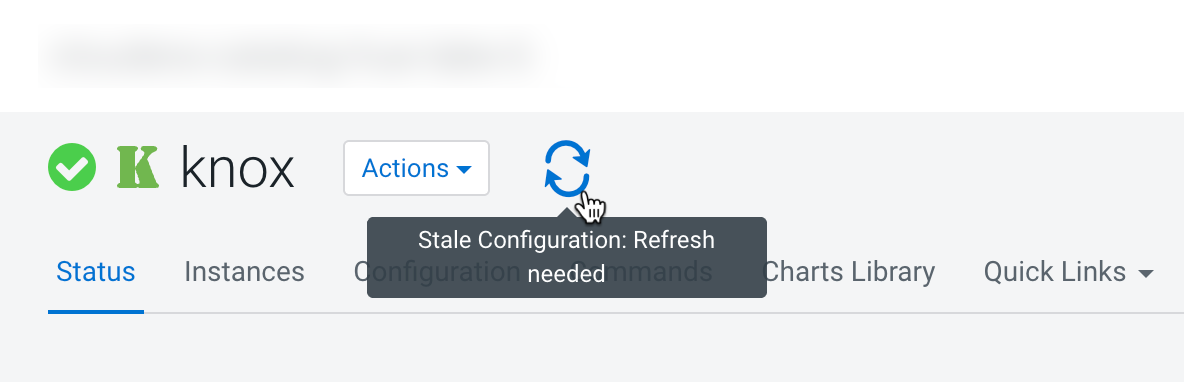
Restart Knox (and its dependent services) from Cloudera Manager so the auto-deployed data sharing topology starts serving and your configuration changes take effect.
For Azure environments, continue first with Configuring the Knox IDBroker.
Then, continue with any of the following steps:
